

Stop cutting the wrong file — and wasting thousands on a recut
When the shop opens the wrong DXF or an old revision, you pay for it in stone. Keep one cut file on the job, versioned, with a clear ready-for-cut mark.
Painpoint
Shops still cut from the wrong file — the wrong USB stick, an old email attachment, or revision one when revision two was approved. It can be a simple hand-off mistake. When there are multiple revisions, the risk goes up. One bad cut wastes thousands of pounds in material and time, then you recut and rebook fit.
Solution
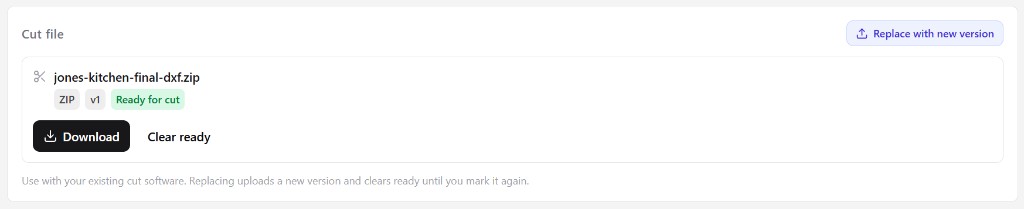
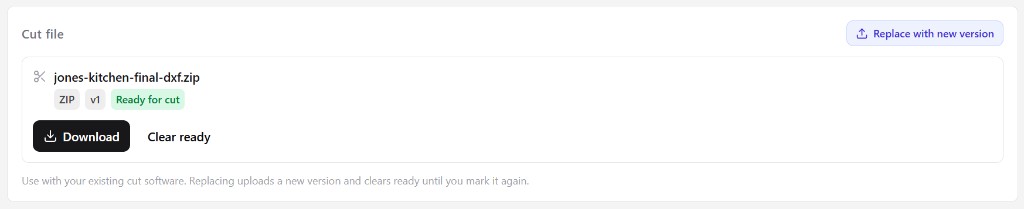
In CutBench, the cut file lives on the job. Upload the DXF or ZIP pack, see the version (v1, v2, …), and mark Ready for cut when the shop should use that file. Download from any workshop tablet — not only the PC where nesting ran.
Replace the file when the plan changes: the new upload clears ready until you mark it again, so nobody cuts an unverified revision by habit.