

Inbox

See every assignment and alert in one inbox

The issue

No way to see what needs attention at a glance.

One CutBench inbox that opens the right job when something needs action.

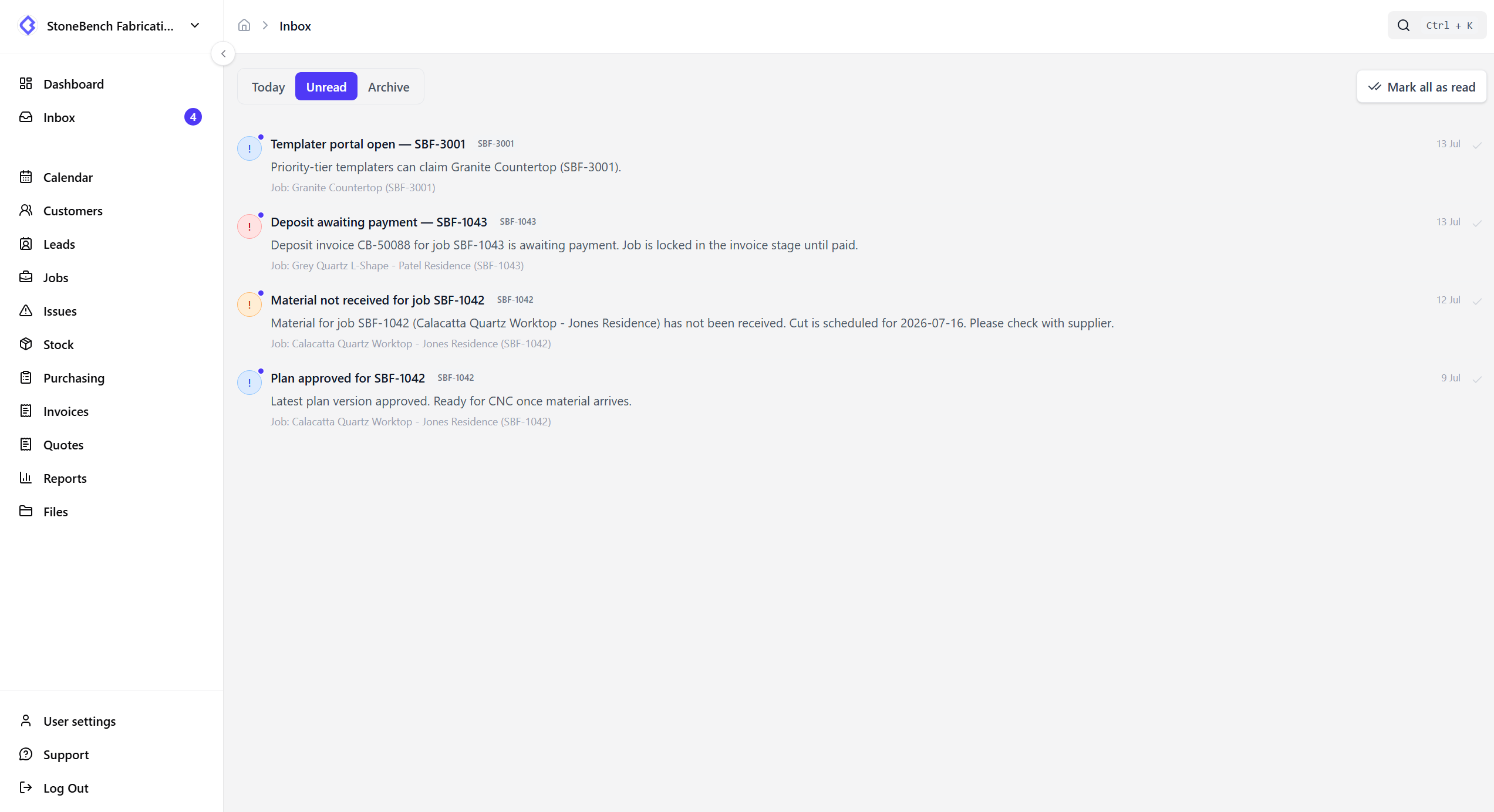
CutBench inbox showing assignments, mentions, and job alerts
Inbox — assignments, mentions, and alerts with a path back to the job

How CutBench helps

Everything outstanding in one place

Assignments, mentions, job updates, reminders, and automation alerts land in Inbox - not scattered across WhatsApp threads and personal email.

  • Unread badge for what’s still waiting
  • Live updates as new notifications arrive
  • Archive and mark as read when you are caught up

Open the right job in one click

Tap a notification and CutBench takes you straight to the job that changed. Templater offers go to the portal so field workers land where they can act.

Control the noise

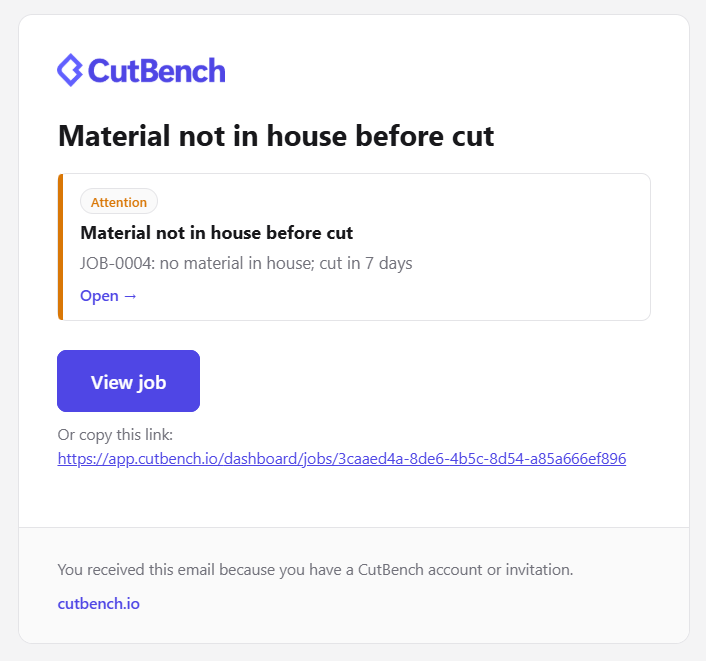
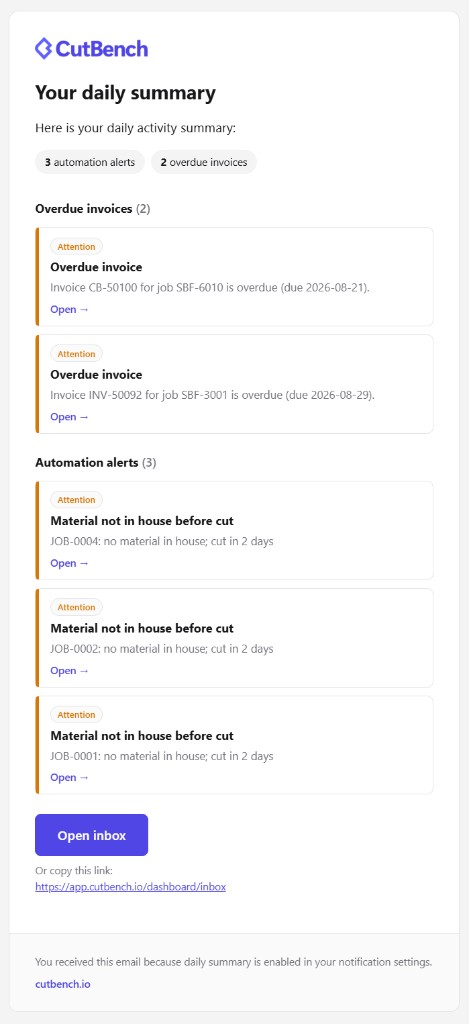
Choose what you get in-app, by email, or as a push. Follow the jobs that matter and mute the ones that don’t. Prefer a daily digest? Turn that on instead of a constant stream.

Shop staff and portal users

Office and workshop see shop notifications in Inbox. Templaters get the same inbox - including offers and updates across the shops they work with.

Who it helps

Office, workshop, and field

  • Office

    Catch assignments, mentions, automation alerts, and overdue invoices without digging through email.

  • Workshop

    See job changes that affect the bench - status, files, and comments on jobs you follow.

  • Field

    Templaters and fitters get notified when work is offered, assigned, or updated - with a path straight to the job.

Ready to ditch the paper chase?

Start your 14-day free trial or book a demo with our team. Built specifically for stone and worktop fabricators.