

Purchase orders

Order materials from the yards you actually use

The issue

“On order” is a sticky note - and every yard wants its own PO.

One purchase order per supplier, raised from the job or Purchasing, then receive into inventory without re-typing.

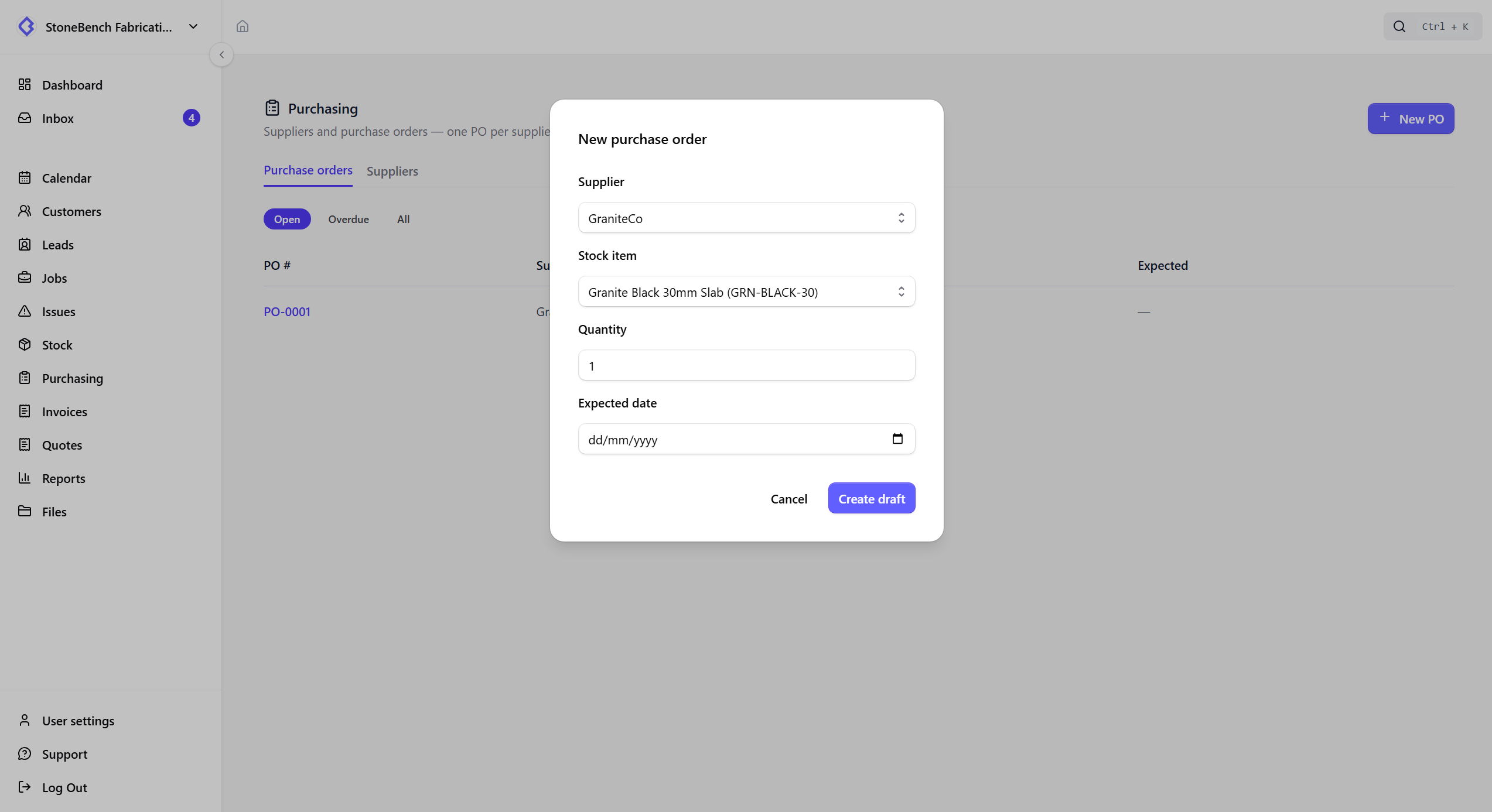
CutBench purchase orders list showing supplier orders and receive status
Purchase orders — raise per yard, send, and receive into stock

How CutBench helps

A supplier list that matches how you buy

Keep Cosentino, the local yard, and everyone else in one place - name, email, phone - then raise a separate PO for each. Stock items can remember a preferred supplier so raising the next order is faster.

  • Lightweight supplier directory (not a full CRM)
  • Preferred supplier on each stock item
  • Open and overdue PO views

From need-to-order to in house

Assign material as needed for the job, raise a draft PO, send it when you place the order, then receive the lines. Job status moves Need order → On order → In house from that flow - not from a manual toggle.

Receive into stock or slabs

When the delivery arrives, receive each line into quantity stock or as a new slab. Linked job materials move in house and can reserve or allocate the piece without double-entry.

Who it helps

Office, workshop, and field

  • Office

    Raise and chase POs per yard, print a clean order, and know what is still outstanding.

  • Workshop

    See when material is truly on order versus still needing to be raised.

  • Field

    Less day-to-day for crews - the win is office stopping cut week surprises.

Ready to ditch the paper chase?

Start your 14-day free trial or book a demo with our team. Built specifically for stone and worktop fabricators.