

Back to blog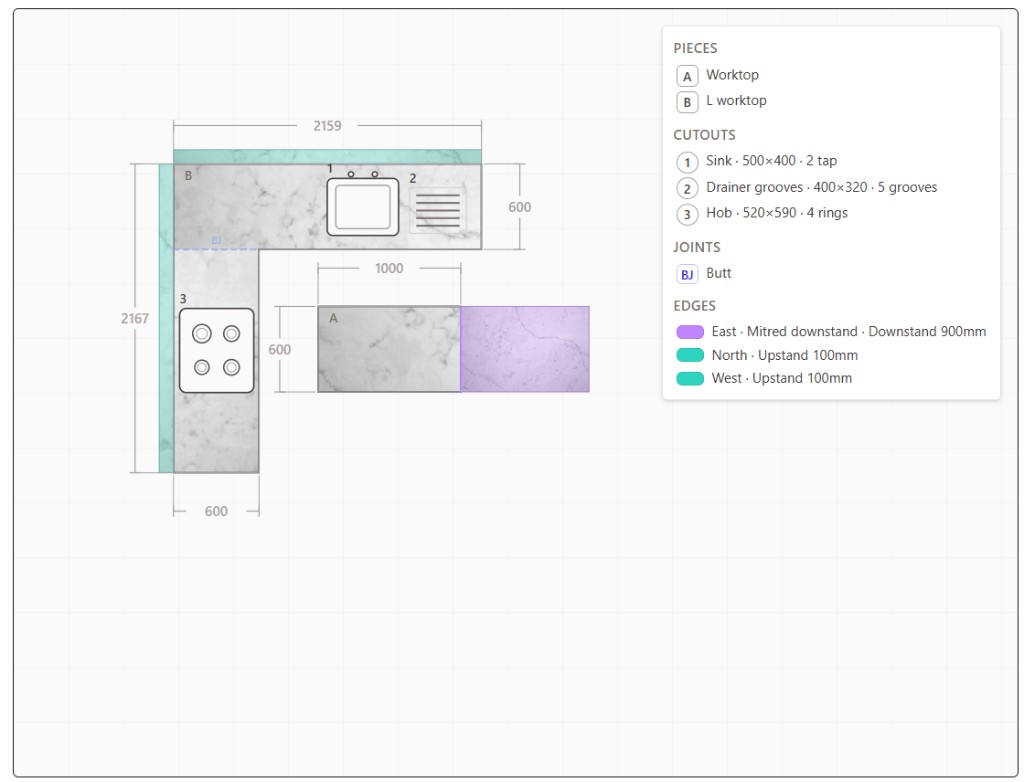
1 min read
Quote faster: pull stock preview and price into the layout
When you choose stock while quoting, CutBench can pull in the material preview and price — so quoting is quicker and the customer sees what they are buying.
Painpoint
Quoting often means drawing in one place, looking up slab photos and prices somewhere else, then pasting numbers by hand. Slow quotes, mismatched previews, and “which slab did we mean?” conversations with the customer.
Solution
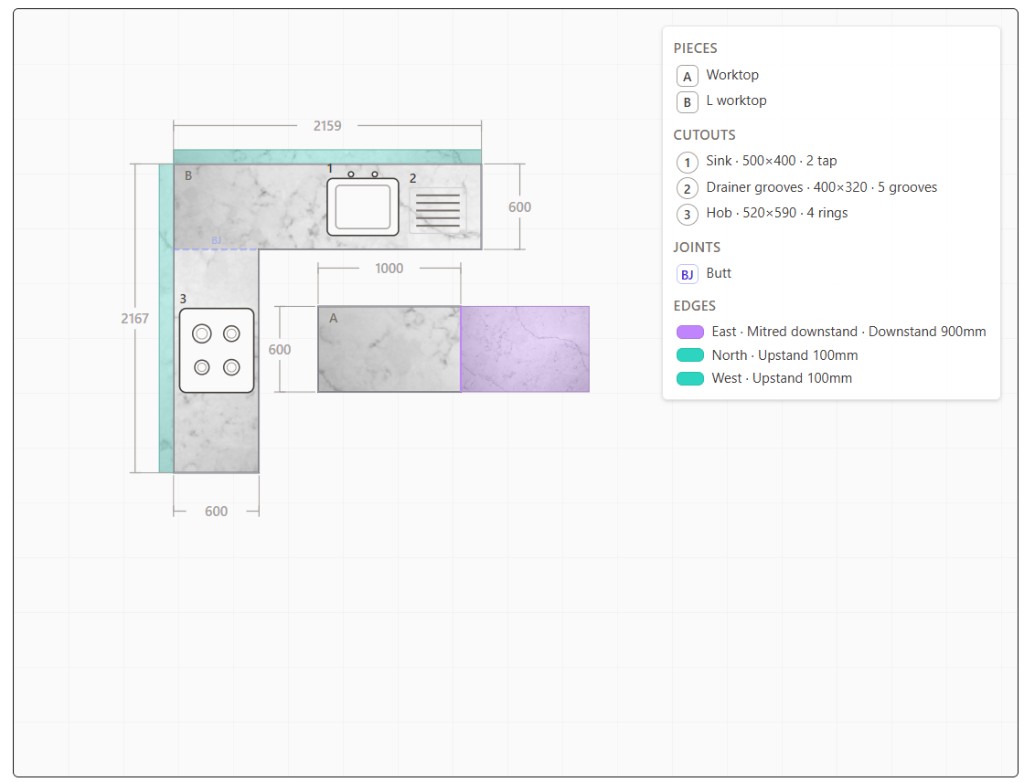
In Quote Studio, choose the stock for the quote and CutBench can pull in the preview (when one is on the slab) and the price. The layout shows the material on the pieces while you plan joints and cutouts — quoting stays in one screen, quicker and simpler for the office and clearer for the customer.