

Fabrication CRM vs Generic CRM: Which is Best for You?
Choosing between a fabrication CRM and a generic CRM? This guide shows why stone and worktop businesses often outgrow general tools once quoting, templating, scheduling, installs, and invoicing need to stay connected. See which software fits real workflows.
If you run a stone or worktop business, picking software can end up being more of a hassle than expected. A generic CRM can look cheaper, easier, and more familiar to start with. But once you need to handle templating, slab details, workshop handoffs, install dates, and invoicing, the missing pieces usually become obvious in a fabrication CRM setup. Before long, many fabricators end up using spreadsheets, paper notes, calendars, and chat messages to fill in what the system doesn’t cover. That’s why so many businesses begin with broad tools, then find they don’t really match how the job moves from quote to install.
We looked at the main specialist options closest to this choice and compared where a true fabrication CRM does more than a generic CRM in day-to-day work, not just in theory. The aim is simple: help you choose the system that fits your real workflow, not one that only manages contacts. If your team handles quotes, site measures, fabrication planning, fitting, and back-office follow-up, the best fabrication CRM is often the one that keeps those stages connected. In practice, that usually means the quote, measure, workshop plan, install date, and invoice all stay together in one place.
What we looked at
- CutBench
- QuoteIQ
- Moraware
- Slabsmith
Top fabrication CRM picks for fabrication teams
1. CutBench
At a glance
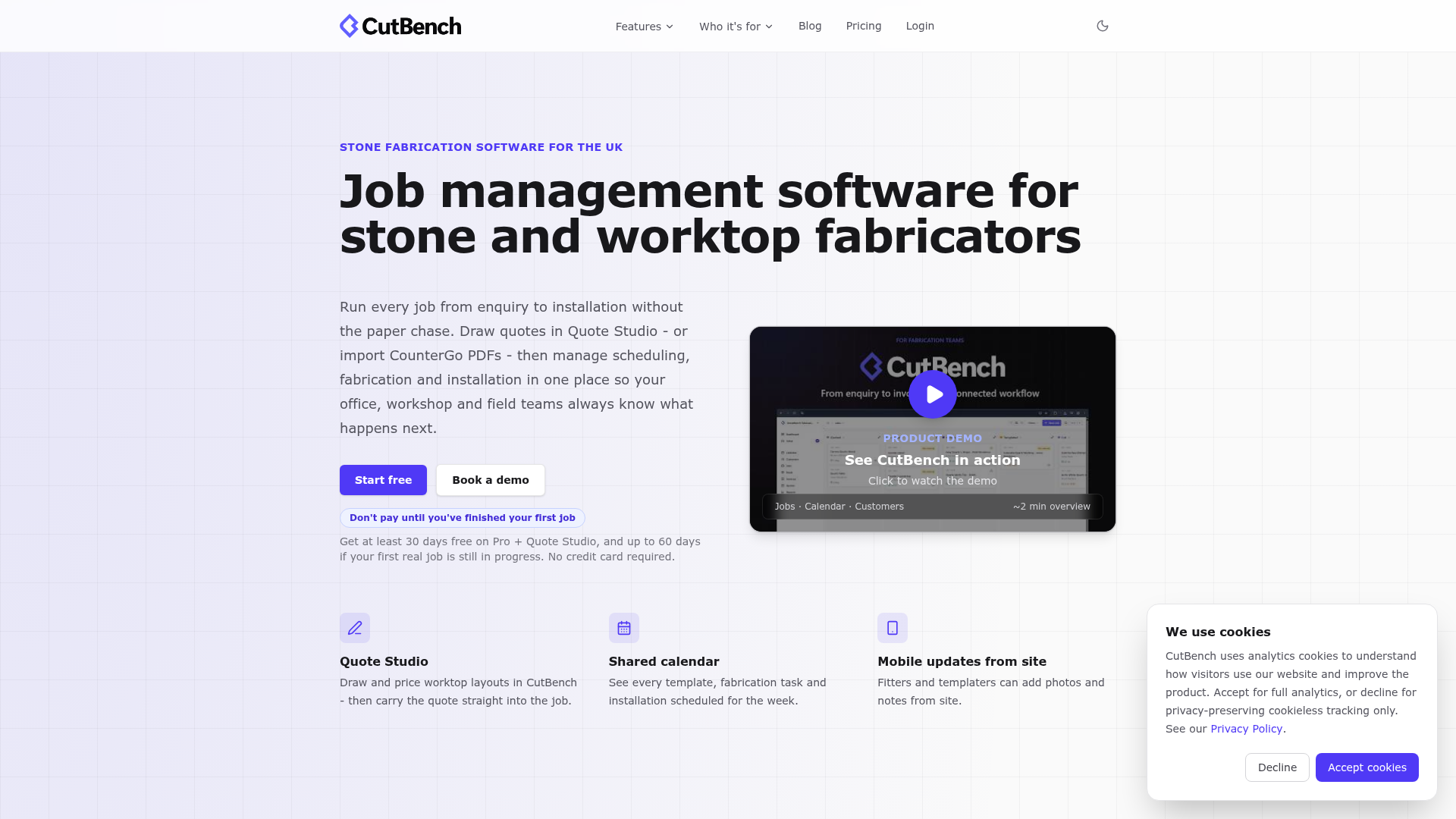
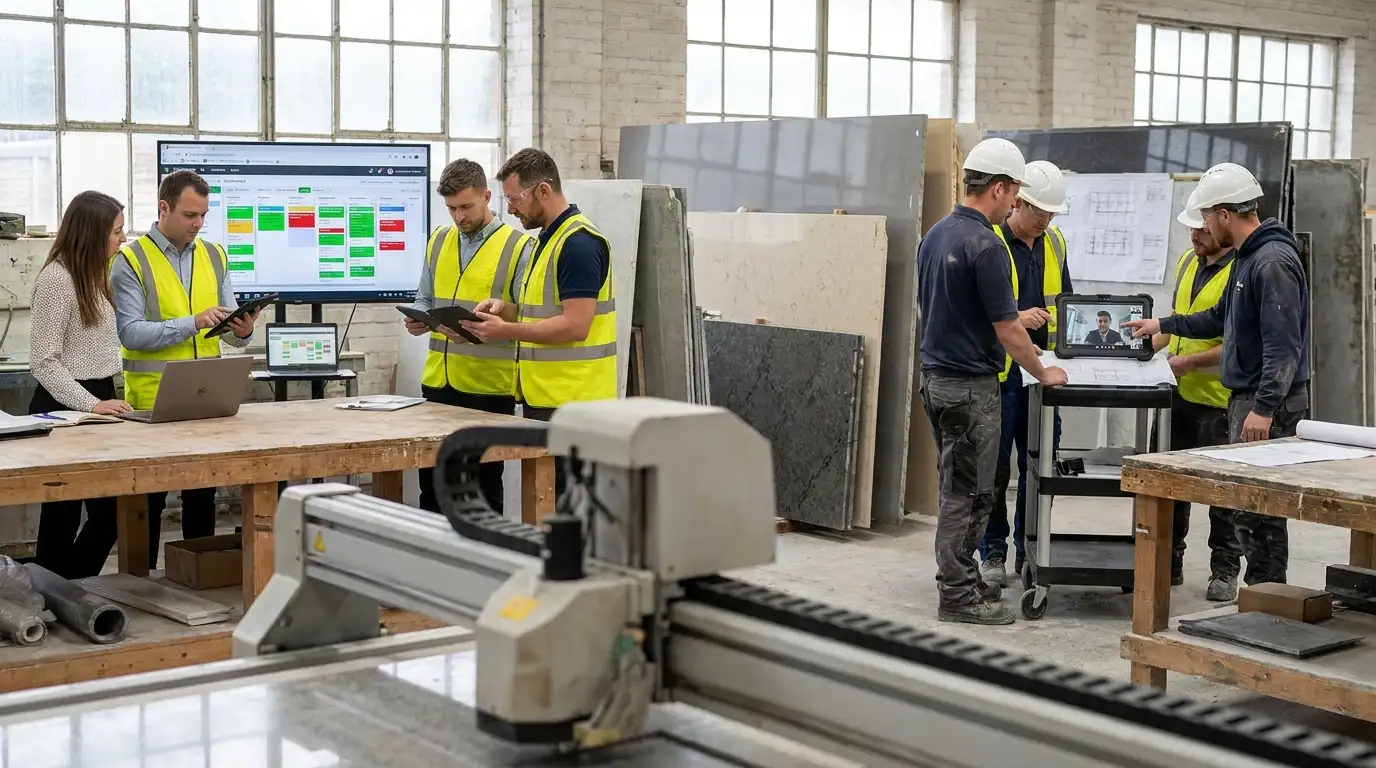
CutBench looks like the best match here because it’s designed for the whole stone and worktop process, not only lead tracking. It covers more than just enquiries and sales. Teams can take a job from quoting to templating, fabrication, scheduling, installation, stock control, invoicing, and team coordination without switching between separate steps. That’s a big reason people are drawn to it. For shops trying to move away from spreadsheets or more general job tools, the main benefit is usually that job information stays together in one place instead of being passed between separate systems.
Core features
- Quoting and CRM for stone and worktop jobs
- Templating, fabrication, scheduling, install coordination, and workflow visibility
- Stock, purchasing, invoicing, and job progress tracking
- Role-based access for office and field teams
Pros
- Built for fabricators: It matches the way work is actually handed over between sales, templaters, workshop teams, and fitters.
- One shared workflow: Job details stay linked instead of being copied into separate tools.
- Useful across the whole team: Owners, office staff, templaters, and installers all work from the same live job record.
- Strong fit for UK worktop shops: It suits the day-to-day work of granite, quartz, marble, and kitchen worktop businesses, which is really the main point here.
Who it’s for
It suits small to mid-sized stone fabrication and worktop installation companies that want one system for enquiries, quoting, operations, scheduling, installs, stock, and invoicing instead of a mix of different apps. If a business is already juggling several tools, this kind of setup often makes daily work easier to manage.
Unique value proposition
What makes CutBench stand out is that it doesn’t treat CRM as only a sales tool. It covers the part general systems often miss: everything that happens after the customer says yes. That means template notes, edge details, cutouts, production readiness, scheduling changes, install coordination, and billing. For fabrication businesses, that’s often the stage where profit is protected, or where it starts to slip.
Website: https://cutbench.io/
2. QuoteIQ
At a glance
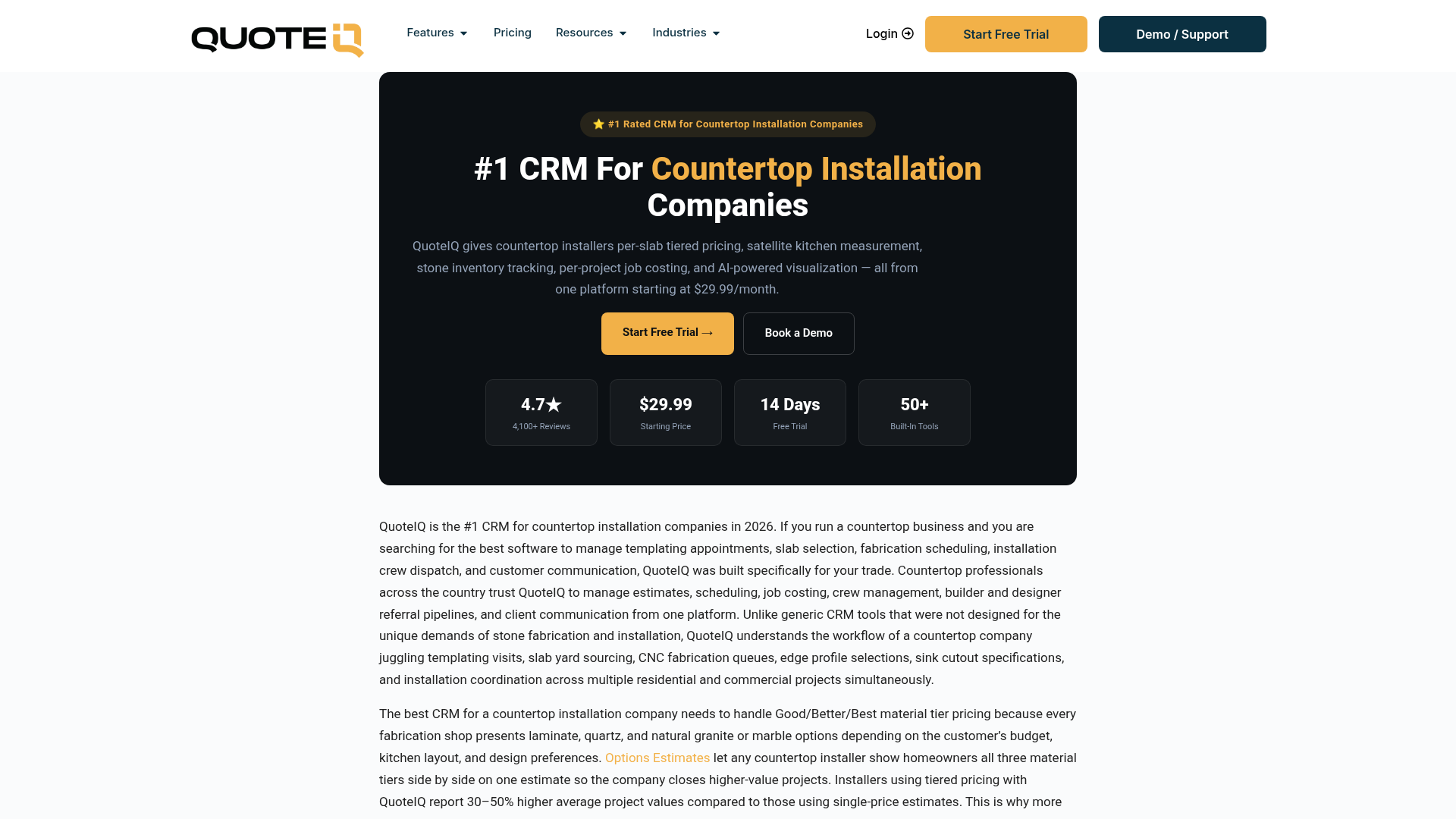
QuoteIQ is a CRM and job management platform made for countertop businesses, with most of the focus on sales and estimating. It’s one of the nearer alternatives for businesses that need more than a generic CRM and want countertop-specific features such as estimating, inventory support, e-signatures, and builder or designer pipeline tracking, which is a pretty specific combination. Looked at that way, it’s for companies that want all of those tools in one system rather than split across several.
Core features
- Material-tier estimating
- Stone and slab inventory tracking
- Satellite kitchen measurement tools
- E-signatures and pipeline management
Pros
- Countertop-focused: It’s built for the same broader industry as stone and worktop businesses, so it’ll usually feel more relevant than a general CRM. For a lot of teams, that makes it a good fit.
- Strong estimating tools: The quoting side looks stronger than what a lot of general CRM platforms offer, especially for teams that need more detailed sales and estimating workflows.
- Public pricing available: Buyers can at least see a starting price without booking a call first, which makes early comparisons easier.
Cons
- Less clear on deep operations: Buyers should check how well it handles workshop handoffs and the day-to-day production flow, like moving work from quote to templating to install. That can matter a lot in day-to-day use.
- Not clearly UK-focused: Currency, workflow expectations, and localisation may not feel as natural for UK firms, and that can matter more than it seems at first.
Who it’s for
Countertop companies that want something more specialised than a generic CRM, especially if quoting, the sales pipeline, and customer-facing estimating are the main pain points right now. That looks like the main reason to put it on the list.
Pricing: $149.99/month for QuoteIQ Pro
Website: https://myquoteiq.com/countertop-installation-companies-crm
3. Moraware
At a glance
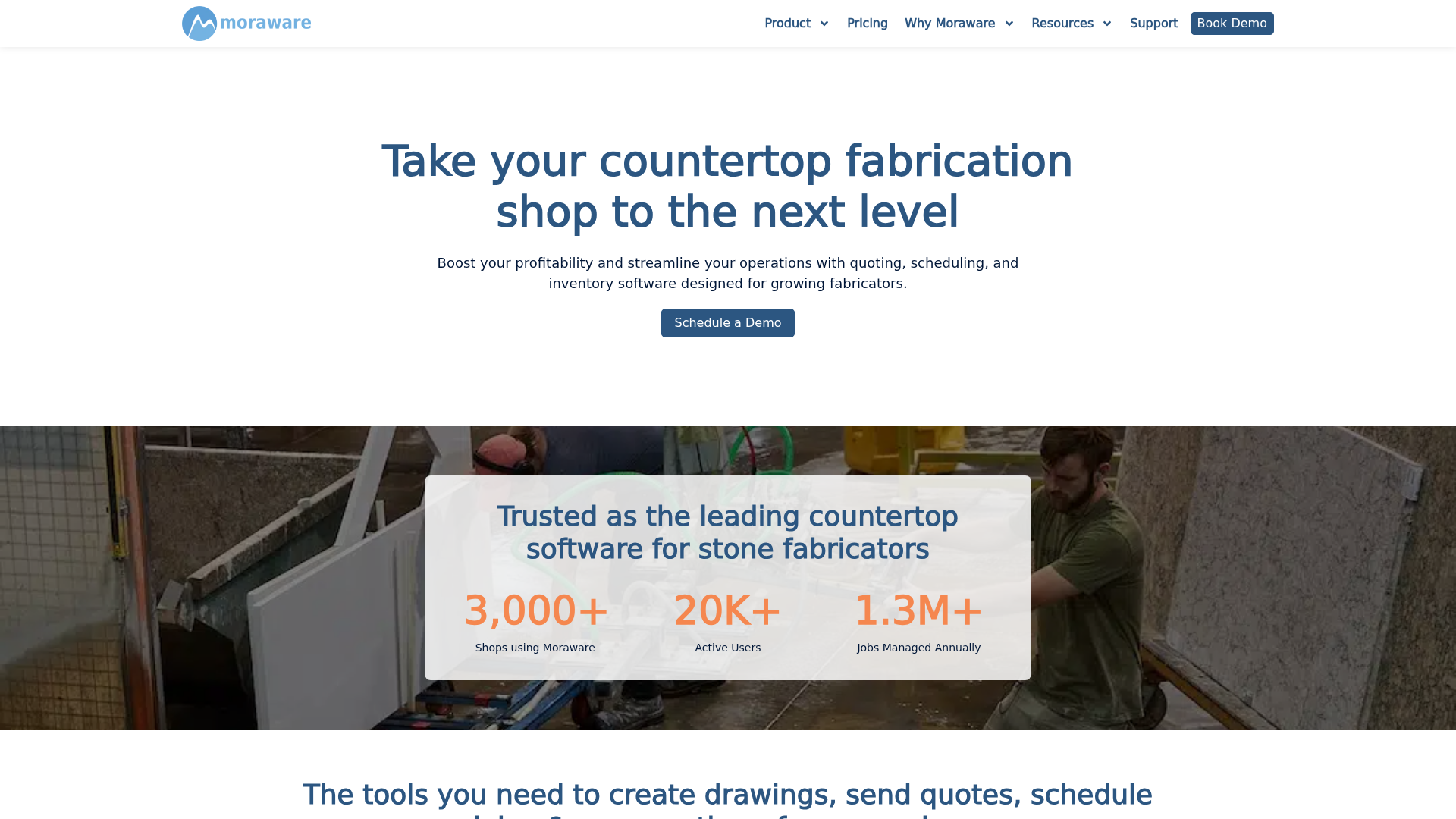
Moraware is a well-known name in countertop software, and it’s been a common option on shortlists for specialist fabricator tools for years. It’s geared more toward operations and job management than a basic CRM, so it usually makes more sense for shops that want estimating, scheduling, workflow support, and day-to-day job oversight in one place, not just contact records. Put simply, it’s designed more around how a shop runs day to day than around lead tracking alone.
Core features
- Quoting and estimating
- Scheduling and job tracking
- Production workflow support
- Tools for countertop shop operations
Pros
- Specialist heritage: It’s made for countertop fabrication, not generic sales teams.
- Broad operational fit: It handles more of the actual job process than a standard CRM, from estimating to scheduling and production workflow.
- Familiar option in the market: A lot of fabrication buyers already know the name, which can make it a bit easier to evaluate against other options.
- Made for shop needs: The emphasis stays on estimating, workflow, and operations rather than mostly contact management.
Cons
- Less CRM-forward feel: Teams that want a modern, CRM-first experience may find that it’s more focused on operations than sales. It’s really aimed at a different part of the work.
- Pricing isn’t transparent: Buyers will probably need a demo or a sales conversation to compare it properly, so they can’t really just check pricing on their own.
Who it’s for
Fabricators that are moving away from paper, spreadsheets, or broad trade tools and want a specialist platform built around estimating, job tracking, and production support. It works well for shops that want to keep quotes, schedules, and production steps organized in one system.
Website: https://www.moraware.com
4. Slabsmith
At a glance
Slabsmith is mainly known for slab layout, visual planning, and tools that support digital templating. It’s in this comparison because a lot of stone shops end up deciding between a full fabrication CRM and a more specialized production tool, and that’s often how the choice plays out in practice. It matters most for shops that put a lot of emphasis on slab presentation, veining alignment, and approval workflows before fabrication begins.
Core features
- Digital slab layout and veining alignment
- Job visualization, approvals, and related review steps
- Templating-related workflow support
- Planning tools used before cutting and install
Pros
- Strong slab workflow focus: It’s built for detailed stone planning, especially layout and veining work.
- Useful for visual approvals: That can cut down on misunderstandings before fabrication starts, which is usually the point.
- Industry-specific: It’s built specifically for stone fabrication.
Cons
- Not a full CRM: Most teams will still need separate tools for sales, scheduling, and back-office work.
- Public pricing isn’t available: That can make early side-by-side comparisons harder when you’re researching options.
Who it’s for
Fabricators who put a lot of weight on slab layout and approval workflows. For that kind of team, it looks like a pretty straightforward fit. It’s also a good match for shops that already use other systems for sales, admin, or broader job management, since they don’t have to replace everything at once.
Website: https://www.slabsmith.com
Fabrication CRM or generic CRM: what actually changes?
What usually sets them apart isn’t the contact record. It’s everything that happens once the sale is closed. A generic CRM is often perfectly fine for leads, notes, reminders, pipeline stages, and basic follow-up, and honestly, that part can work well enough. The problems usually show up later, when a sold job needs template details, material choices, sink and cutout notes, edge profile selections, fabrication timing, install scheduling, and final invoicing.
That’s usually when a generic system starts scattering things in different places. One piece is in email. Another is buried in a spreadsheet. The install date lives in the calendar. The templater has photos on a phone, which is actually pretty common. In day-to-day work, the office may be updating the customer while the workshop is still using an older version.
A fabrication CRM should keep all of those moving parts tied together. If a template date changes, it should be easy to update the production plan and install schedule too. If a slab gets assigned, the team should be able to see it right away in the job record. And when the work is done, invoicing shouldn’t depend on chasing down confirmations from the workshop or the install team.
So the better question isn’t, “Do I need CRM?” It’s, “Do I need a CRM that actually helps run the job after the sale?” For most stone shops, the answer is usually yes. It really is that simple.
How to choose the right fit for your shop
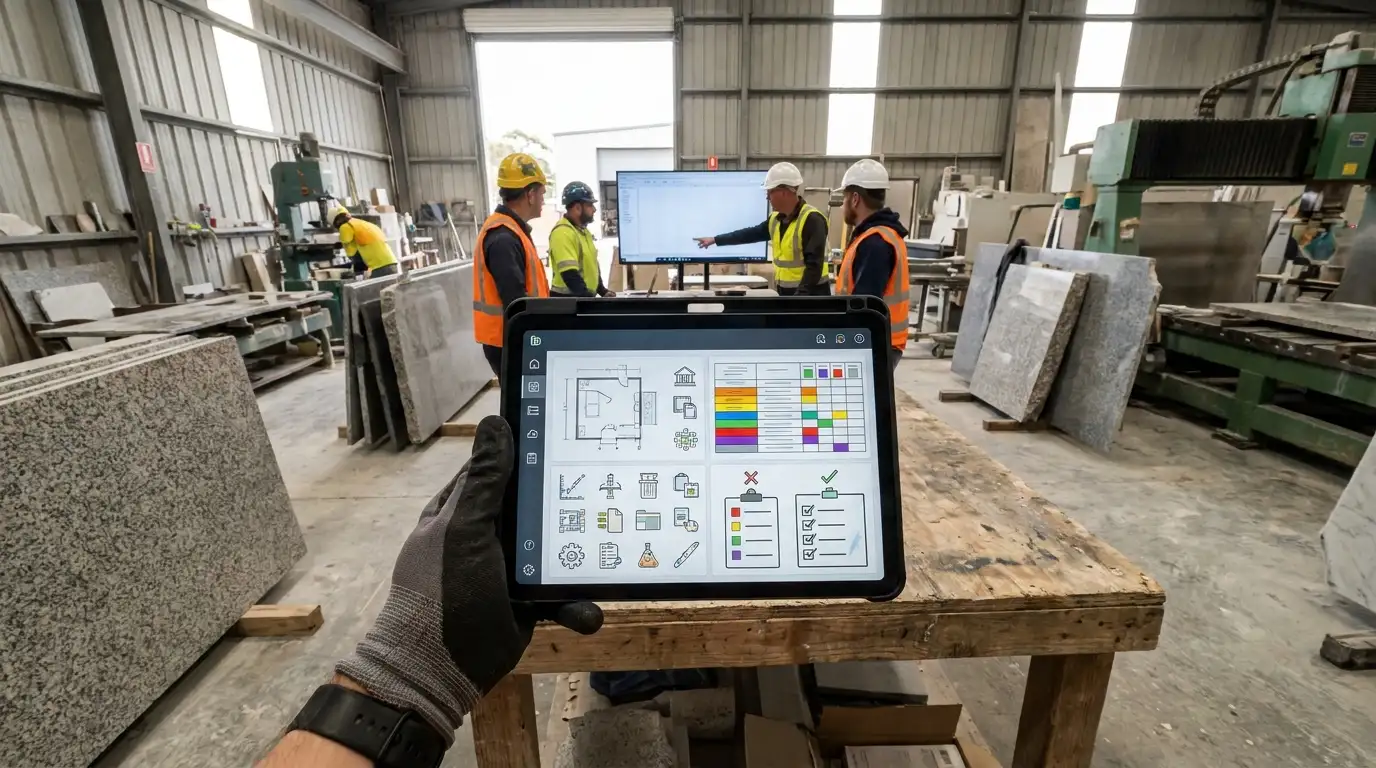
A simple way to tell is to see where jobs are falling apart right now, that’s usually the clearest clue. When you know where the handoff breaks down, it’s a lot easier to tell what kind of tool you actually need.
If lead follow-up is the main issue, a generic CRM may seem fine for a while. But if things start going off track after the quote is approved, lead management alone usually isn’t enough. Then the real need is workflow control, not just better contact notes.
Pick a fabrication CRM if the goal is to:
- connect sales with templating, fabrication, and installs
- reduce retyping and duplicate job entry
- keep office and field teams on the same page
- track stock, purchasing, and job readiness in one flow
- send invoices faster after the work is done
A narrower specialist tool makes sense when one part of the process matters most, like slab layout, approvals, or some other specific step. Then the focus stays there, not on the whole workflow.
A generic CRM really only works if the operation is still very simple and you’re okay adding other tools later. But for a lot of growing fabrication businesses, that “later” shows up sooner than expected, especially once jobs start moving faster.
The bottom line for stone fabricators
For stone and worktop companies, a generic CRM often handles only the simplest part of the job and leaves the tougher work outside it. Most of the pressure tends to sit in the middle of the operation: template to workshop, workshop to install, then install to invoice, and that’s usually where delays start to creep in. That’s usually where specialist systems earn their keep.
In this comparison, CutBench stands out because it’s built for the full day-to-day job, not just the sales side. It doesn’t focus only on the easy bit. Instead, it helps fabricators swap disconnected tools for one clearer system the office and field team can use together, so day-to-day work will likely run more smoothly.
Fed up with chasing updates across spreadsheets, diaries, paper packs, and message threads? A practical next step is to take a closer look at stone fabrication workflow software. It’s a good fit for shops that want tighter handoffs, a clearer view of each job stage, and less admin from templating through installation and invoicing. Simple to follow, useful in practice, and often easier to use.