

Fabrication CRM vs Generic CRM for Stone Shops
A fabrication CRM does more than track leads—it connects quoting, templating, scheduling, fabrication, install, and invoicing in one workflow. This guide compares top options for stone shops and shows why generic CRM tools often break down as teams grow.
If a stone or worktop business is already using a standard CRM, the problem is usually easy to spot: it may look polished in a demo, but real jobs involve a lot more than leads and follow-ups. There are quotes to manage, site measures, slab selections, revisions, fabrication handoff, install dates, snag lists, invoices, and many moving parts between the office, workshop, and site. That is where the difference between a generic CRM and a true fabrication CRM becomes pretty clear, often very quickly.
This comparison looked at specialist tools built for fabricators and matched them against what stone shops need every day. The goal is simple: find the best fit for owners, operations teams, sales staff, templaters, and fitters who want less chasing, fewer mistakes, clearer visibility, and smoother handovers from office to workshop to site. For UK stone shops, this often matters even more right now, because growth can expose weak systems. Old spreadsheets, paper packs, and WhatsApp updates can start falling apart fast, and that happens a lot in real work.
A good fabrication CRM should do more than store customer details. It should help the whole business run in one connected flow, from enquiry through to final payment, with quoting, job tracking, and handovers linked together. That is the standard that matters here. Using that measure, these are the top platforms worth a look.
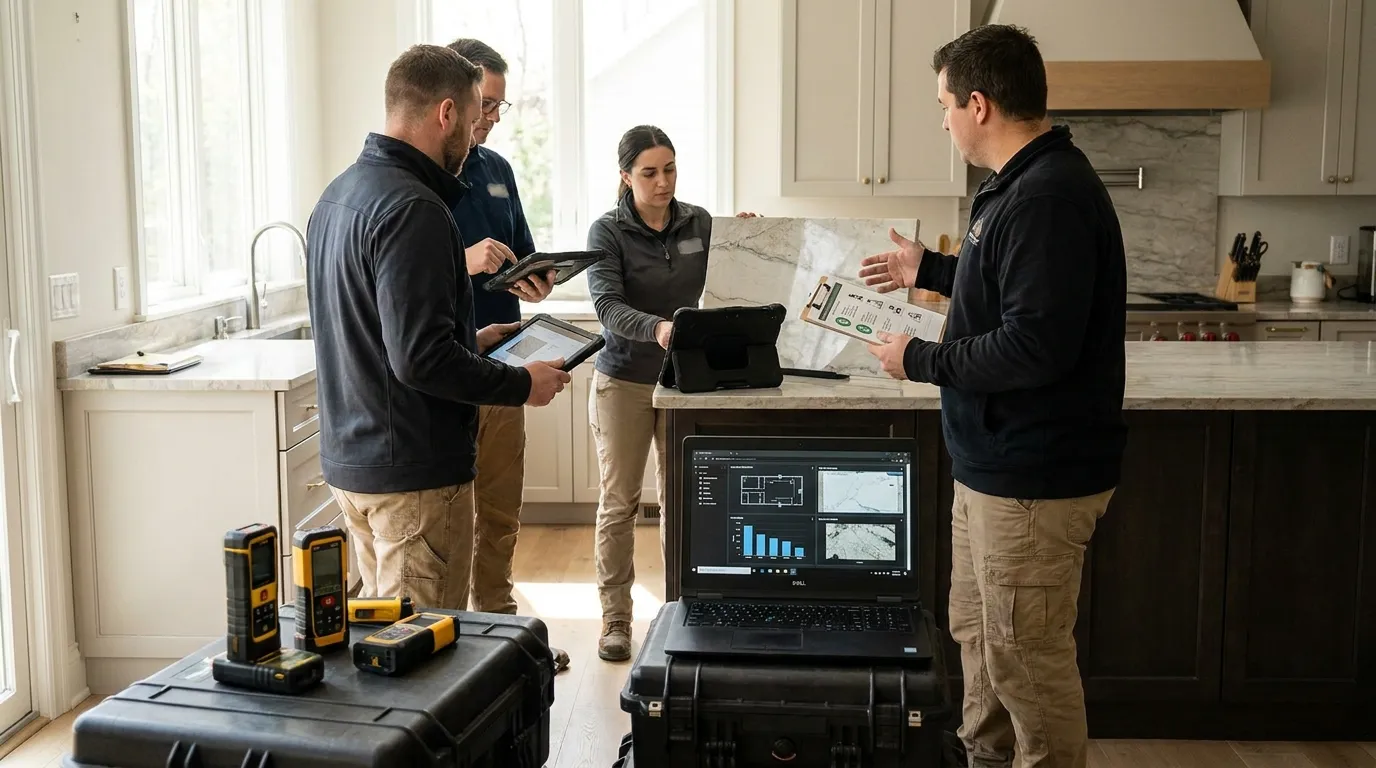
The 4 platforms covered here
- Cutbench
- Stonify
- Mc2 Stone Fabricator Software
- Stone Project
Best fabrication CRM picks for stone shops
1. Cutbench
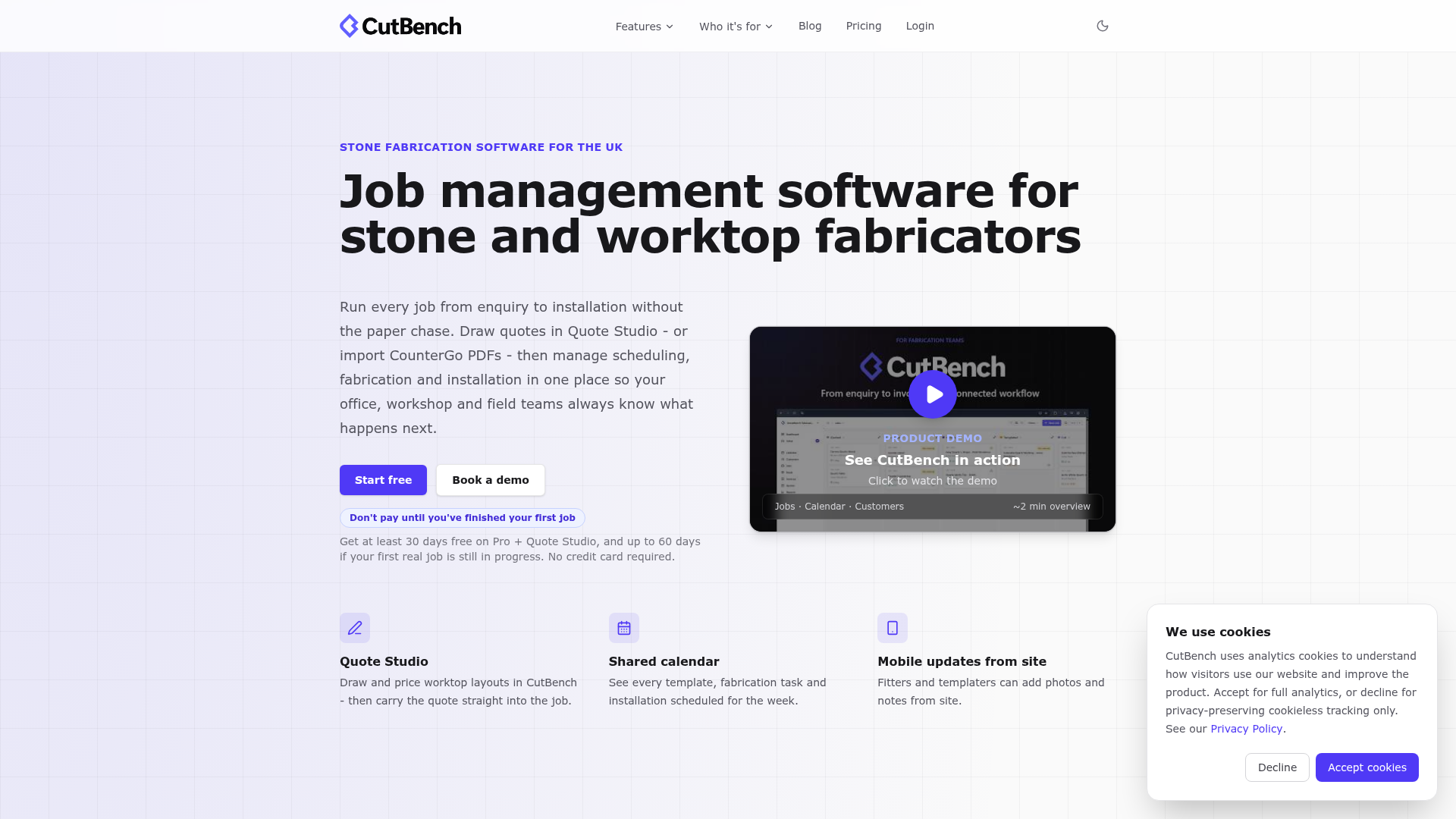
At a glance
CutBench is a fabrication CRM and workflow platform built for stone and worktop businesses. Rather than working like a sales database with a few extra notes added, it connects the full job lifecycle: quoting, templating, scheduling, fabrication, installation, stock control, invoicing, team communication, and the day-to-day updates tied to each job. That makes a real difference for this kind of business. Stone shops usually are not only dealing with lead tracking issues. More often, the bigger problems start when information is spread across spreadsheets, paper diaries, phone calls, and message threads. CutBench is made to give office teams and field crews one live record, so handoffs are easier to follow and jobs can keep moving without so much back-and-forth, which is often where delays start.
Core features
- CRM and enquiry tracking for stone jobs
- Quoting and job pipeline management
- Templating handoff, plus job documentation
- Scheduling for office teams, the workshop, and installers
- Stock, slab, and purchasing workflow support
- Invoicing and reporting tools
- Shared visibility across office staff and field teams
Pros
- Built for fabrication workflows: It fits how stone businesses usually work, instead of pushing them into a generic sales process, and that often makes a noticeable difference day to day.
- Better handoffs: Template notes, approvals, dates, and job details stay together in one place instead of being split across different tools.
- Strong team visibility: Owners, office staff, templaters, and fitters can all see the same live job status.
- Reduces duplicate admin: One update can move a job forward, so staff do not need to enter the same information again and again.
- Supports growth without chaos: As job volume goes up, the workflow stays clearer and is often much easier to manage.
Who it’s for
CutBench is a strong fit for small to mid-sized stone fabrication and worktop installation companies that want one connected system instead of piecing together a generic CRM, spreadsheets, calendars, and messaging apps. It is especially useful for shops that need smoother handoffs between sales, templating, fabrication, and installation, which is often where things start getting messy.
Unique value proposition
What helps CutBench stand out is that it treats CRM as part of operations, not as a separate sales layer. In a stone shop, a customer record only becomes useful when it stays connected to the actual work: quote changes, template details, slab use, workshop release, install booking, and the final invoice. That is what this looks like in practice. CutBench seems best suited to businesses that want fewer gaps between departments and less time spent chasing updates. It makes job status visible and practical, so teams are not rebuilding the full picture every morning from spreadsheets, calendars, and message threads.
Real-world use case
Think about a growing worktop company with five installs booked this week and two templates changing at short notice. It is exactly the kind of busy week where systems get tested. In CutBench, the office updates the job once, templaters see the latest details, fabrication gets the right release point, and fitters arrive with current notes and photos. The result is less confusion, fewer missed details, and faster invoicing once the work is finished. That is often where the system shows its value most clearly: when several teams need the same up-to-date information during a packed week.
Website: https://cutbench.io
2. Stonify
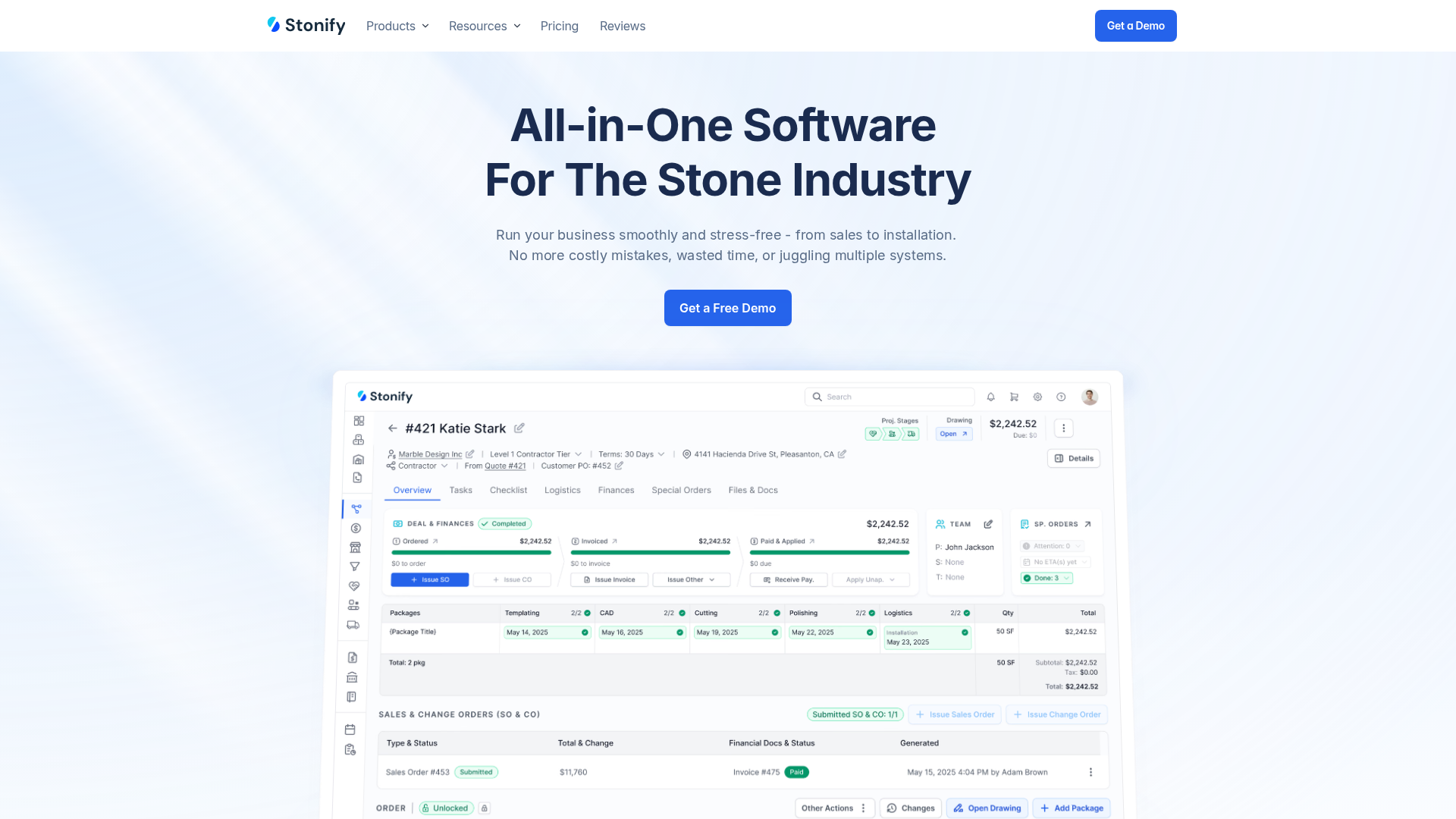
At a glance
Stonify is a stone fabrication software platform that brings together CRM, operational workflow, mobile tools, and ERP-style controls in one system. It’s clearly built for countertop and stone fabrication businesses rather than general contractors, and that difference will usually matter if a shop wants tools that truly fit how stone work gets done. For stone shops, it will probably feel more relevant than a broad all-purpose platform. It’s a focused fit.
The feature set centers on scheduling, job tracking, drawing tools, document handling, approvals, and slab workflow. That makes it a solid option for shops that want fabrication-specific software and are comfortable with a more structured setup. Another helpful detail is that public pricing is available, which makes early comparisons easier for buyers.
Core features
- CRM, reporting, and sales visibility
- Scheduling, job tracking, and workflow oversight
- Drawing and layout tools
- Documents, photos, and approvals
- Mobile access for crews and templators in the field
- Slab inventory support
- ERP-style workflow controls
Pros
- Fabrication-specific: It’s built for stone shops instead of being adapted from a general CRM.
- Good mobile workflow: Field teams can access job details, documents, and photos without relying on printed packs.
- Operational depth: It supports sales, job control, scheduling, approvals, and production-related work, not just lead tracking.
- Public pricing available: Buyers can get a clearer idea of cost earlier in the process, which isn’t always the case.
Cons
- Higher starting cost: The base package starts at a price point that may feel high for smaller shops.
- May be more system than some teams need: Very small firms may find the setup broader than needed, especially if their process is still fairly simple.
- Company background details are limited: Some buyers may want more public information about the company.
Who it’s for
Stonify works well for stone businesses that want a specialist platform with strong workflow depth, mobile access, and clear pricing. It will usually make more sense for teams that are comfortable with a more ERP-style setup and have enough job volume to justify a higher software spend. For shops that need tighter scheduling and better visibility across jobs, it will probably be a better fit.
Unique value proposition
Stonify stands out by combining CRM, field mobility, drawing capability, and operational controls in one fabrication-focused platform. That mix is appealing for shops that want tighter processes, better production visibility, and stronger documentation control across the job. It usually offers a practical balance for teams that want more structure without stitching together separate tools.
Pricing: Base package $500/month; Standard User +$50/user/month; Drawing User +$75/user/month; Lite User +$35/user/month
Website: https://www.stonify.io
3. Mc2 Stone Fabricator Software
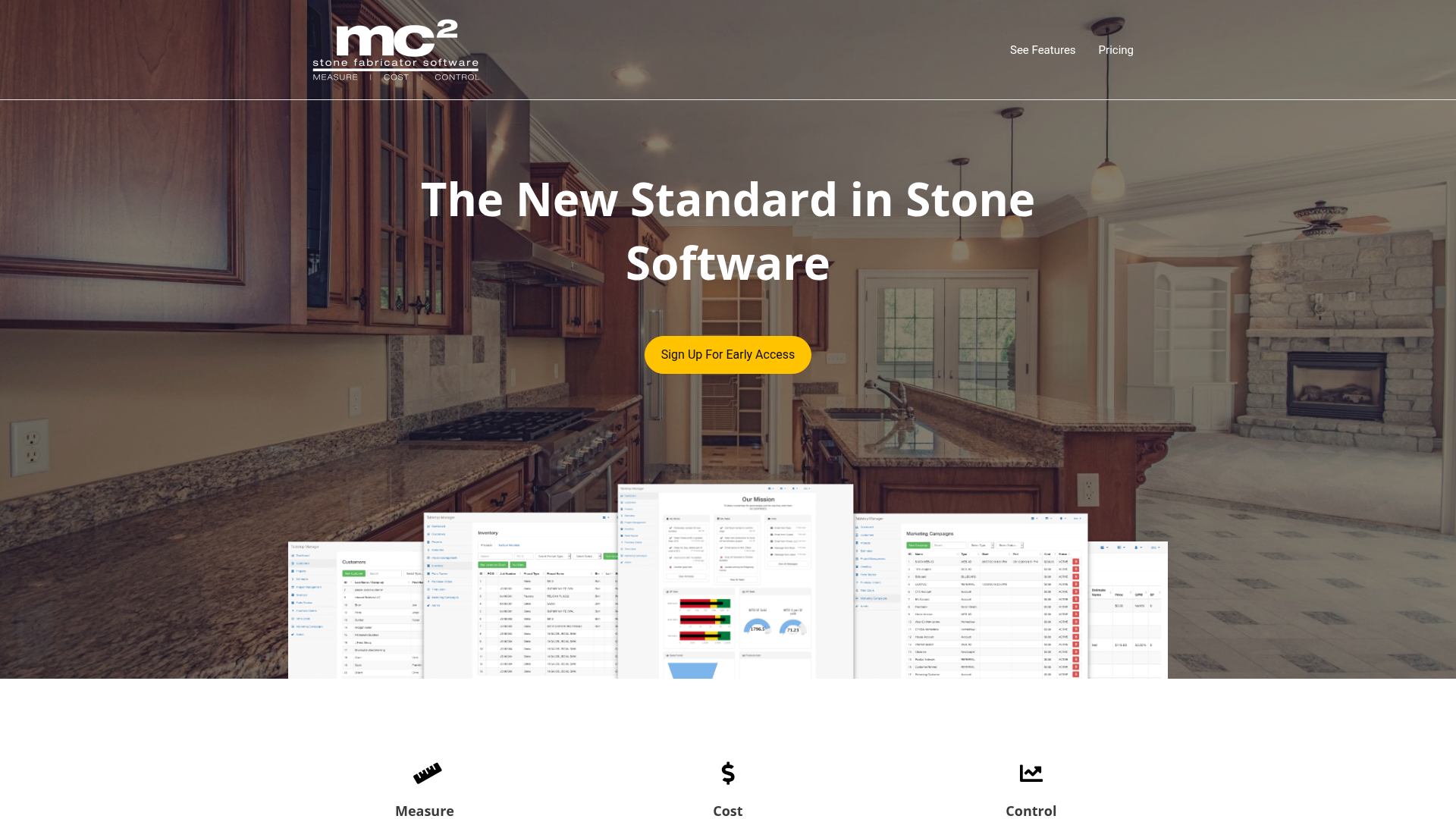
At a glance
Mc2 Stone Fabricator Software is a dedicated platform for stone businesses that need help across CRM, estimating, production, inventory, and finance. It leans more toward operations than a basic lead management tool, and that’s probably the clearest difference here. It’s especially useful when the bigger issue is not generating enquiries, but keeping costs, labor, stock, and job progress under better control. Its positioning is broad but clearly fabrication-specific, so it’s built for stone shops rather than general contractors or general sales teams. The platform focuses on helping businesses manage the full project lifecycle, not just the front end of lead capture and follow-up.
Core features
- CRM
- Estimating
- Inventory management
- Project management
- Production management
- Finance and commission tools
- Real-time job costing, inventory, plus labor tracking
Pros
- Full workflow coverage: It brings CRM, production, and financial control together in one system.
- Strong costing focus: A good fit for shops that need tighter margin tracking and clearer visibility into job costs.
- Fabrication-specific design: It suits stone operations better than general CRM software, which often matters in daily use.
- Detailed operational visibility: Useful for businesses that want closer control over jobs, resources, and reporting.
Cons
- No public pricing: That can make early comparisons more difficult.
- Less immediate buying clarity: Some buyers may prefer a simpler website with clearer information up front.
- Can feel operations-first: Teams mainly looking for easier day-to-day coordination may prefer something with a more modern workflow feel.
Who it’s for
Mc2 is best suited to stone fabricators that care a lot about detailed estimating, costing, inventory, and production control. It may be especially relevant for businesses with more complex back-office needs and stronger operational reporting requirements, especially when they are tracking more than sales activity alone. It’s probably not the best fit for teams that are simply looking for a lightweight fabrication CRM.
Unique value proposition
Mc2’s strongest angle is control. For businesses that want to connect sales, production, inventory, labor, and finance in one fabrication-specific setup, it offers a broader management view than many front-end CRM tools. That is often especially useful for firms focused on cost discipline and production oversight, because jobs can be viewed across quoting, stock, labor, and finance instead of only at the sales stage.
Website: https://stonefabricatorsoftware.com
4. Stone Project
At a glance
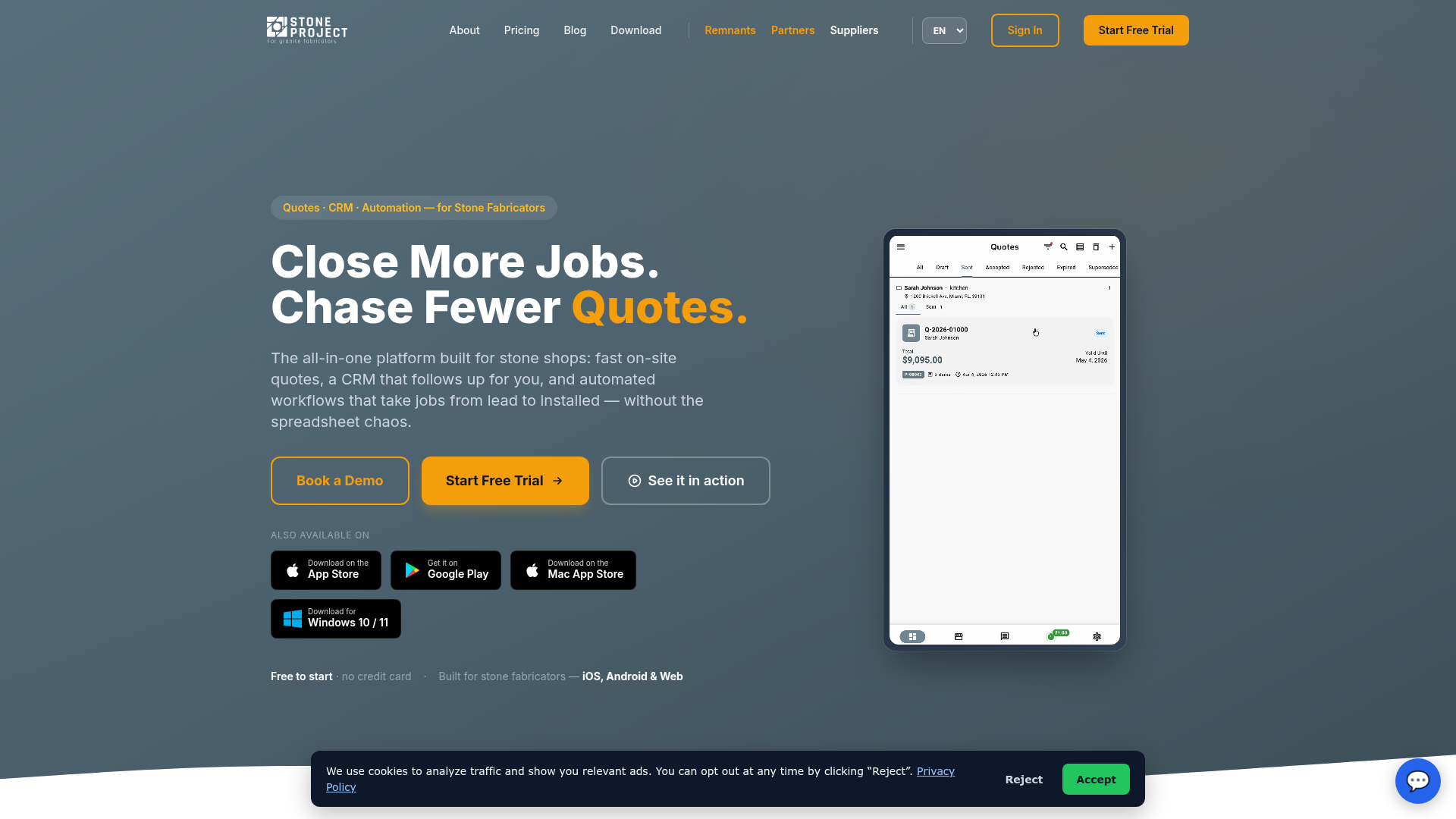
Stone Project is an all-in-one platform for stone fabricators. It brings CRM, quoting, automation, inventory, scheduling, drawings, time tracking, and accounting connections into one place, which is a lot to handle. For many teams, that means using one system for sales, stock, job planning, and admin instead of jumping between separate tools. It also has a modern product story and likely feels easier to try than some alternatives because it offers a free tier and public Pro pricing. That usually makes it simpler for smaller shops to get started. The platform also puts real focus on mobile-native, offline-capable use, which often matters for templating and field work when signal is weak or unreliable, and that is pretty common on site.
Core features
- CRM and pipeline management
- Drag-and-drop quoting
- Slab and remnant inventory
- Drawings
- Scheduling
- Time tracking
- Payments and QuickBooks sync
Pros
- Accessible starting point: The free tier makes it easier for smaller shops to try the platform.
- Strong CRM and quoting angle: It suits businesses that want to move faster on front-end work like lead handling, quote creation, and follow-up.
- Mobile and offline support: Especially useful in the field when teams are not always connected.
- Broad all-in-one feature set: It covers a lot of day-to-day work, including quoting, scheduling, and inventory, in one system.
Cons
- Needs deeper vetting for some buyers: This matters most for buyers who really need UK-specific support.
- Background details are limited: Some businesses may want a clearer public picture of the company’s history.
- Per-user pricing can add up: Costs may rise as the team grows, especially if more staff need access.
Who it’s for
Stone Project is a practical option for smaller or growing fabrication businesses that want an all-in-one system with an easier entry point. It feels like a simple way to get started. It stands out most for teams that care a lot about CRM, quoting, and mobile access, especially if they want something more tailored than spreadsheets or a generic CRM.
Unique value proposition
Stone Project offers a lower-cost way in while still covering a fairly broad stone-specific workflow. For businesses trying to move on from spreadsheets or a generic CRM, that often makes it one of the easier specialist options to try without a big upfront commitment, which can matter a lot for smaller teams.
Pricing: Free tier available; Pro starts at $79/user/month
Website: https://www.stoneproject.app
Why generic CRM usually falls short for stone shops
This is where many businesses find out the hard way. A generic CRM can track enquiries, reminders, and sales activity well enough. But stone fabrication is not just a sales process. It usually runs more like a series of connected steps. When a template changes, fabrication often needs updated notes. If a slab is allocated poorly, install timing can shift for the fitting team. And when fitters finish the job but that update does not get back to the office quickly, invoicing usually slows down too.
Disconnected systems create extra admin
Many teams end up with a mixed setup: a generic CRM for contacts, a spreadsheet for job status, a wall planner for installs, WhatsApp for site updates, and accounting software for invoices. Each tool has a clear purpose on paper, and that is fair enough. On its own, each one can help. But in day-to-day work, the business often spends far too much time trying to join everything up, and that is probably the most frustrating part.
Workflow visibility matters more than contact storage
For most stone shops, the real need is not more places to keep data. What they usually need is a workflow that fits the way the business actually runs. A proper fabrication CRM should support stages such as enquiry, quote, deposit, template booked, template complete, fabrication ready, install booked, install complete, invoice sent, and paid. It should also make ownership clear at each stage, so the next task does not depend on someone remembering to chase it manually. In most cases, delays begin there.
That is why specialist systems often work better than generic CRM tools in this space. The best ones cut duplicate entry, improve handoffs between people, and keep everyone working from the same live record. That is usually the main difference: the team can see what has been done, what still needs doing, and who owns the next step.
How the pricing compares
Where public pricing is available, there’s usually a pretty wide gap between specialist tools. That can be a big deal for small and mid-sized shops trying to balance software cost with time saved, fewer errors, faster invoicing, and all the day-to-day admin work involved, which is honestly a lot.
| Platform | Base Monthly Price | Known User Pricing | Free Tier | Public Pricing Available |
|---|---|---|---|---|
| Cutbench | , | , | No public plan listed | No |
| Stonify | $500/month | $35-$75/user/month | No | Yes |
| Mc2 Stone Fabricator Software | , | , | No public plan listed | No |
| Stone Project | $0 | $79/user/month for Pro | Yes | Yes |
Comparing software cost against operational savings
The numbers above still matter, but they don’t tell the whole story. What they do show is one key buying point: public entry pricing can often help with shortlisting, at least in most cases. When pricing isn’t visible, the process usually needs a more hands-on evaluation. The better question is what a system costs each month and whether it saves enough admin time, delays, and rework to help protect margin.
What makes CutBench the best fit for many stone shops
CutBench comes out on top for a pretty simple reason: it is built around the day-to-day reality of fabrication businesses, where CRM only really becomes useful when it connects directly to operations. In many stone companies, the main problem is not missing customer records. It is the gap between departments. Sales has one version of the job. Templaters may have another note on a phone. The workshop is waiting on approval, while fitters are asking for the latest detail at the install address on the morning of install.
One connected workflow instead of separate tools
That is where CutBench often stands out. It treats the job as one connected workflow instead of a chain of separate admin tasks. This often matters most in growing businesses, where job volume is high enough that small communication mistakes get expensive very quickly. It also works well for teams that want less reliance on side spreadsheets and fewer moments where someone says, “just call them and check.” That situation is usually more common than people like to admit.
Shared visibility across office and field teams
Role fit is another strong point. Owners want visibility and reporting. Office teams are usually looking for clearer scheduling and less chasing. Templaters and fitters need current notes, photos, and updates while they are out in the field, which is often exactly where details get missed. A fabrication CRM usually works best when all of those needs connect clearly in one place. That is where a specialist platform can have a real advantage over a generic CRM with custom fields added later.
A second useful place to learn more is the stone fabrication workflow platform itself, especially for teams wanting to see how enquiry, template, fabrication, install, and invoicing can sit together in one flow. It is simple and often easier for everyone involved to follow.
Ready to move past spreadsheets and generic CRM workarounds?
If a stone shop is still piecing jobs together with spreadsheets, calendars, paper packs, and message threads, it’s definitely not alone. A lot of teams start out that way. But as the team grows and the install schedule gets busier, that setup usually gets much harder to manage. The cost is not just extra admin time. It often shows up in missed handoffs, unclear responsibilities, slower invoicing, and jobs that are harder to manage from quote through install than they need to be.
That’s why choosing the right fabrication CRM matters. The best systems do more than track leads. They help sales, templating, fabrication, installation, and accounts work from the same job record, so updates are less likely to get lost between departments, which happens pretty often. In most cases, this means the team can see the same notes, dates, and job status without constantly switching between tools.
For many stone and worktop businesses, CutBench looks like the best place to start because it’s built around the real workflow fabricators deal with every day. If a business wants a system that feels much closer to how it actually works, it’s probably worth a serious look.
Frequently asked questions
Start with workflow fit, not just feature count. A good fabrication CRM should handle enquiry tracking, quoting, template scheduling, fabrication handoff, installation planning, and invoicing in one connected flow. It should also support clear job stages, shared visibility, and easy updates for both office and field teams.
A simple test is to map one real job from first enquiry to final payment. If your team still needs spreadsheets, separate calendars, phone calls, and message threads to finish the job, the CRM is probably not enough on its own. In stone shops, the system has to support operational handoffs, not just sales notes.
Yes, especially if the business is already feeling strain from double entry, missed updates, or install scheduling confusion. Smaller shops often think specialist software is only for larger teams, but the value can show up early through cleaner handoffs, better visibility, and faster invoicing. A platform like CutBench can be relevant even before the business becomes large, because it helps build better habits before chaos sets in.
It varies a lot. Some specialist tools have free entry tiers, while others start at several hundred dollars per month plus user fees. The real comparison should include value, not just subscription cost. If the software cuts admin time, reduces remakes, and helps invoices go out faster, it may pay back more quickly than a cheaper but poorly fitting generic CRM.
Most teams notice early wins once the first few workflow bottlenecks are removed. That might mean quicker status checks, fewer phone chases, or clearer install planning within the first few weeks. Bigger gains usually come after the team is consistently using one process and one live job record.
CutBench is best suited to small and mid-sized stone fabrication and worktop installation companies that want one system across sales, templating, scheduling, fabrication, and invoicing. It is especially useful for businesses replacing spreadsheets, paper systems, or a generic CRM that never really matched how fabrication work moves from office to site and back again.