

Fabrication CRM Integration for Stone Shops
A fabrication CRM connects sales, templating, production, installation, and invoicing in one live workflow. See where handoffs break down, which integrations to fix first, and how stone fabricators can cut errors, speed billing, and keep every team aligned.
When the office team works in one system, the workshop runs on another, and fitters update jobs by phone or message, the business doesn’t really have one process. It has a chain of handoffs. In stone fabrication, that’s exactly where small mistakes get expensive, fast, and where a fabrication CRM can help keep work connected.
An edge note gets missed. Then an old install date stays in the system. A slab looks available in one place, but it’s already been promised somewhere else, and sales takes a deposit that accounts never gets. These aren’t major software failures. They’re everyday gaps between CRM and job management that show up in the work people do each day.
A good Fabrication CRM should do more than track leads and chase quote follow-up. It needs to connect the front of the business to the work that begins after the sale: templating, cut file handoff, scheduling, fabrication, installation, stock, and invoicing.
This guide explains what integration means for small to mid-sized stone and worktop companies. It also looks at where the biggest breakdowns happen, which workflows should be connected first, and how to roll out a better setup without making life harder for the team.
Why fabricators struggle when fabrication CRM and job management are separate
Many stone shops start out with tools that seem good enough. A CRM manages enquiries, a shared calendar covers appointments, and a spreadsheet tracks jobs while someone in the office keeps notes on slab choices. The workshop relies on paper packs. Accounts sends invoices from a finance system. None of that’s unusual.
Problems begin when each department can see only one part of the job.
Sales might know the latest customer choice, but the workshop still cuts from an older version. Templaters may record site details correctly, only for the install team to receive them too late. Then the same thing happens again. Fitters may finish a job on time, but the office doesn’t get sign-off fast enough to send the invoice right away.
In practice, a separated setup leads to recurring problems:
1. The same data gets entered again in a fabrication CRM
Teams enter customer details, site notes, material choices, dates, and changes in more than one place, which wastes time and leads to more errors.
2. The job loses context at each handoff
A generic CRM may keep contacts and tasks, but it can miss the fabrication details that matter: edge profiles, splashbacks, cutouts, slab allocation, revisions, and whether the job is actually ready for production.
3. Teams stop trusting the system
When the calendar says one thing and the job sheet says something else, people fall back on calls, texts and memory.
The real cost of poor integration is confusion, not just admin.
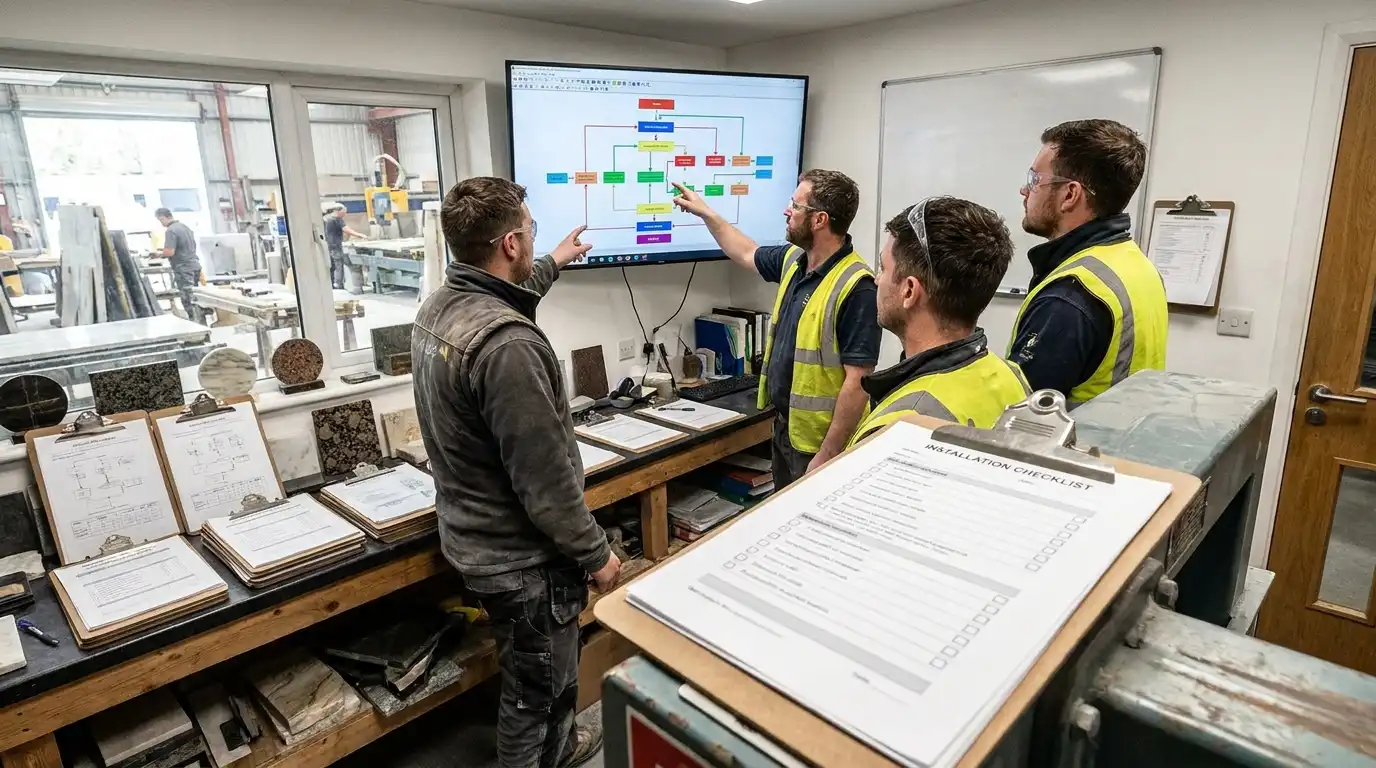
What fabrication CRM integration should look like in a stone fabrication business
For fabricators, integration means more than linking two apps and hoping data moves between them. It means building one live job record that stays with the work from the first enquiry to the final payment.
A strong setup starts with the customer record. Then every quote, revision, file, message, appointment, purchase and invoice sits under that same job, all in one place.
In day-to-day use, one record stays with the work from start to finish.
Enquiry to quote
Sales logs the lead and records the customer’s project, surfaces, colours, and rough scope. Then the quote goes out, with no need to retype the same details somewhere else.
Quote to live job
Once it’s approved, the quote becomes the job, so no one has to copy anything into another system. The office can schedule template dates, track deposits, and attach notes that matter later.
Template to workshop handoff in a fabrication CRM
The job keeps site measures, photos, drawings, and special notes. If a customer changes a sink or upstand detail, everyone sees the newest version in the job.
Workshop to install
Fabrication status, readiness, and install dates stay visible for office and field teams. No extra chasing. The installer doesn’t need to ask whether the job is actually ready.
Install to invoice
When the fitter finishes the job and gets sign-off, the team can bill from that same record instead of waiting on separate admin. It’s much quicker.
Here, fabrication-specific software matters more than a general CRM. Fabricators need tools that understand the work between template and install, not just the sale at the beginning.
According to Anthony Milia in Stone World, the industry is moving toward connected systems that support operations as well as customer management. That matches what many fabricators already think. The value isn’t just in storing leads. It comes from linking the whole workflow.
The fabrication CRM handoffs that matter most to connect first
If a shop is moving away from spreadsheets or patchwork systems, it shouldn’t try to fix everything at once. Start with the handoffs that cause the most delay or rework, because that’s often where the day gets messy and work circles back.
For most stone shops, those handoffs bring the biggest gains first.
Sales to templating
The handoff should include customer details, quoted scope, material choice, access notes, and payment status. Miss the brief, and when the templater arrives, the job can start to slip off track.
Templating to fabrication
Keep details clear here. Measurements, drawings, sink positions, drainer grooves, edge profiles, splashbacks, and cutouts need to stay in one place. Otherwise, when CAD, workshop tablets, and office notes are disconnected, teams can end up checking different versions of the same job.
Fabrication to installation
Installers need the real ready date, not the hoped-for one. They also need load details, access issues, customer contact details, and any special fitting notes.
Installation to accounts in a fabrication CRM
People skip this handoff a lot, but cash flow feels it fast. When completion photos, customer sign-off, variation notes, and final status are buried in messages, invoicing drags and everything slows down.
A connected Fabrication CRM cuts out those jumps. Not by turning every team member into an admin user, either. The point is simpler: each person updates their part once, in the right place, and the next step already has what it needs.
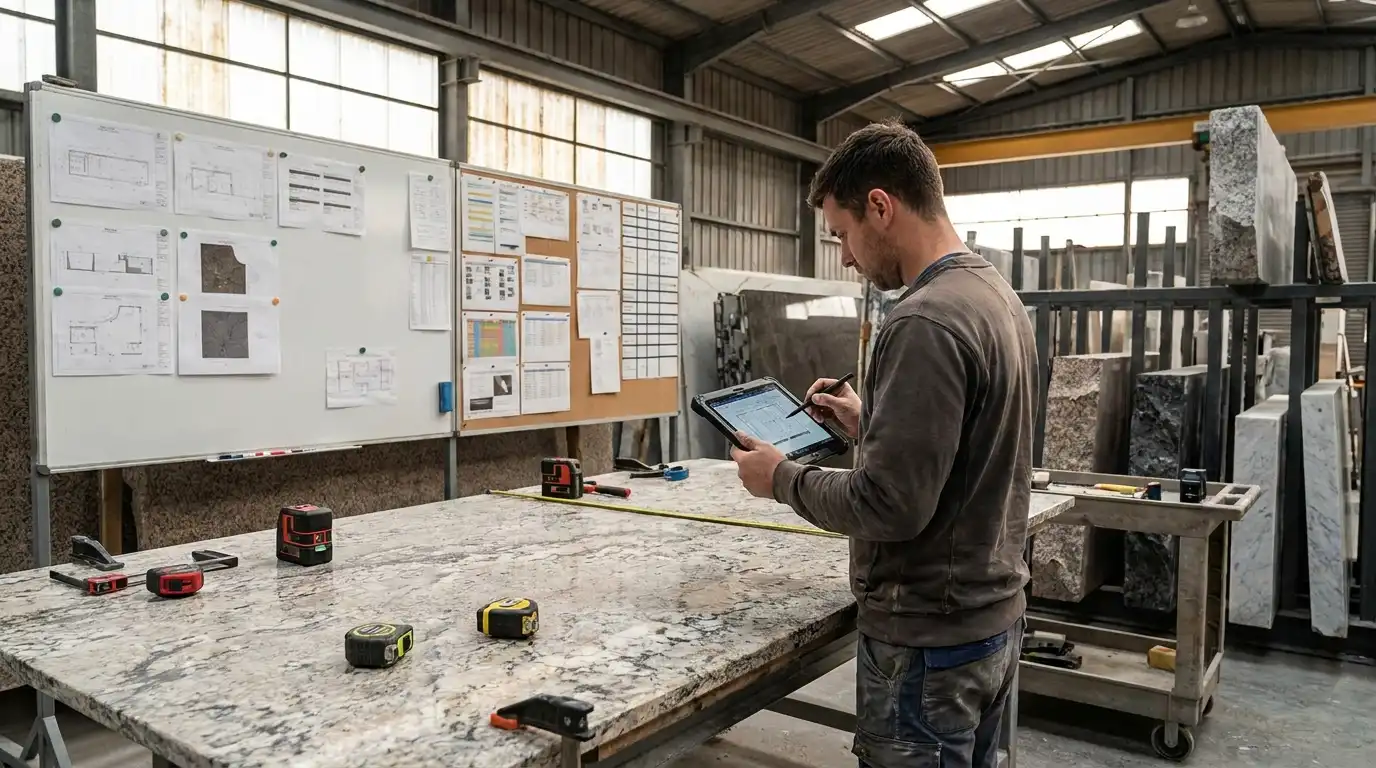
How integrated fabrication CRM workflows help each role on the team
Integration helps people get real work done faster. In fabrication businesses, office staff, shop floor teams, and field crews each need their own view of the same work.
Owners
Owners get a clearer view. No more chasing updates from three people. They can see where jobs are stuck, what’s approved, what’s booked, and what’s still waiting.
Operations managers
Ops teams get one trusted schedule and one trusted status. Less checking too, while planners, spreadsheets, and message threads stop taking up so much time.
Office and admin teams
Admin staff usually feel it first when systems don’t talk to each other. It’s frustrating. With an integrated setup, duplicate entry drops and documents stay attached to the job instead of getting lost. Customer questions also get easier to answer quickly.
Templaters and fitters
Field teams need mobile access, clear notes, and less back-and-forth. On site, they should be able to see the right address, scope, and latest updates without calling the office for simple details.
Sales staff using a fabrication CRM
Sales shouldn’t keep managing jobs after handover just because nobody else can see the original promise. That leads to problems. Integration protects the handover and helps cut down blame later.
Mike Vidan described stone software as covering two linked areas, the front-office side and the production side. That’s a helpful way to see it. Fabricators don’t just need a better sales database. They need both sides working together, so what gets promised up front still lines up with what happens in production.
When shops review platforms, a purpose-built system like CutBench can feel like a better fit than a generic CRM with extra tools added later.
Common integration mistakes that end up creating more work
Not every integration project makes life easier. Some just move the mess into new software.
A few mistakes are worth avoiding.
Keeping old side systems alive forever
If the team still relies on a spreadsheet for slab allocation, a private diary for installs, and paper packs for workshop notes, the integration still isn’t complete.
Mapping fields but not mapping process
Syncing customer names and phone numbers isn’t enough. Teams also need matching status names, approval steps, deposit rules, revision handling, and clear ownership of every next step.
Ignoring workshop and field users
If a system only works for office staff, it can break later, and that’s when the trouble starts. Templaters, fitters, and workshop users need easy access to the details they need every day.
Treating finance as an afterthought
A standard accounting package helps once an invoice is ready. But if operations and billing stay separate, teams still end up chasing missing details before payment happens. They’re still waiting.
The best rollout keeps the software practical: one record, clear statuses, simple ownership, and fewer side channels. Less back-and-forth.
A simple fabrication CRM rollout plan for small to mid-sized fabricators
The safest way to bring CRM and job management into the business is to base it on the workflow the team already knows, then remove friction one step at a time.
Start by listing every stage from enquiry to invoice. Keep it simple. Mark where people enter the same information twice, where teams wait for updates, and where mistakes show up most.
Next, choose the first workflow to clean up. For many shops, that’s quote to job or template to install. Those stages tend to involve the most people and create the most chasing, so they’re a good place to start.
Set a few non-negotiables early:
- one customer record
- one live job status
- one place for files and notes
- one method for site updates
- one trigger for invoicing
Train people by role, not by walking through a feature list. Show sales how leads become jobs, show templaters where notes and photos should go, show fitters how sign-off gets completed, and show admin how billing pulls through from finished work.
After the first few weeks, review the setup. Check where the team has slipped back into workarounds. Those workarounds can show where the process still needs tightening, and they can point straight to the next thing that needs fixing.
If you’re comparing options, a dedicated stone fabrication workflow platform will make this easier because it’s built around how fabrication jobs actually move through the business.
Bring the whole fabrication CRM job into one view
Integration should keep the job from splitting up as it moves through the business.
A Fabrication CRM shouldn’t sit off to the side managing leads and follow-ups while the real work happens somewhere else. In a stone shop, the customer record, quote, template details, fabrication notes, schedule, install updates, and invoice should all move through one shared flow.
That difference shows up fast. Teams make fewer calls just to confirm basic facts. They enter the same information fewer times. There are fewer surprises on site. The office sends invoices faster, and the team trusts the information more because it stays connected.
If your business still relies on spreadsheets, paper packs, shared calendars, and message threads to move a single job forward, the next step isn’t adding another separate tool. Bring the whole process together instead.
Start with your worst handoff. Fix that first. Then keep building toward one shared system your office, workshop, and field teams can trust.