

Essential Features to Look for in a Fabrication CRM
Choosing the right fabrication CRM means more than tracking leads. This guide shows the essential features that keep templating, scheduling, revisions, costs and installs in one workflow, so your team cuts admin, avoids mistakes and scales with less chaos.
If your team still runs jobs through spreadsheets, paper folders, wall planners and message threads, you already know the problem with managing a fabrication CRM workflow. Things get messy fast. Quotes slow down, handoff mistakes creep in and everyone ends up chasing updates instead of getting on with the work. One small change to a template date can affect fabrication, fitting, invoicing and customer calls.
Picking the right Fabrication CRM matters. For stone and worktop businesses, it needs to do more than store leads or customer details. The right system should help the office, templaters, fitters and sales team work from one shared job record, from the first enquiry to final sign-off.
A lot of growing firms only really notice the need when the old setup starts to crack under pressure. As the business grows, teams need more structure, clearer workflows and better visibility across the work. UK government survey findings show that CRM use becomes much more common as firms get larger. That lines up with what many fabrication businesses already see in day-to-day work.
This guide covers the key features to look for in a Fabrication CRM, why they matter in everyday stone fabrication and how to spot the difference between a tool that looks good in a demo and one that genuinely helps the workshop run better.
A Fabrication CRM Should Cover the Whole Job, Not Just the Sale
Plenty of software can track a lead. Not many tools can manage what comes next after the customer says yes and the real work begins. That’s the real test.
Stone fabrication has too many moving parts for a sales-only CRM. Once a quote is approved, the team still needs to manage template appointments, revisions, slab selection, edge details, cutouts, fabrication readiness, install dates, final sign-off and invoice release. Miss that sequence and people drift straight back to spreadsheets. It happens all the time.
First, look for an end-to-end pipeline. The system should let a job move through clear stages like enquiry, quote, template, approval, fabrication, installation and completion, so everyone can see what’s going on without chasing updates. When every team works from the same job status, there’s less guesswork and fewer calls asking, “Where is this one up to?”
A good Fabrication CRM should also keep revision history. In stone work, small changes aren’t small. A shifted hob, a different overhang or an updated sink can flow through the whole job and affect timing, fabrication and install. That’s easy to miss. The system needs to show the latest approved details clearly instead of leaving staff to look through old email threads.
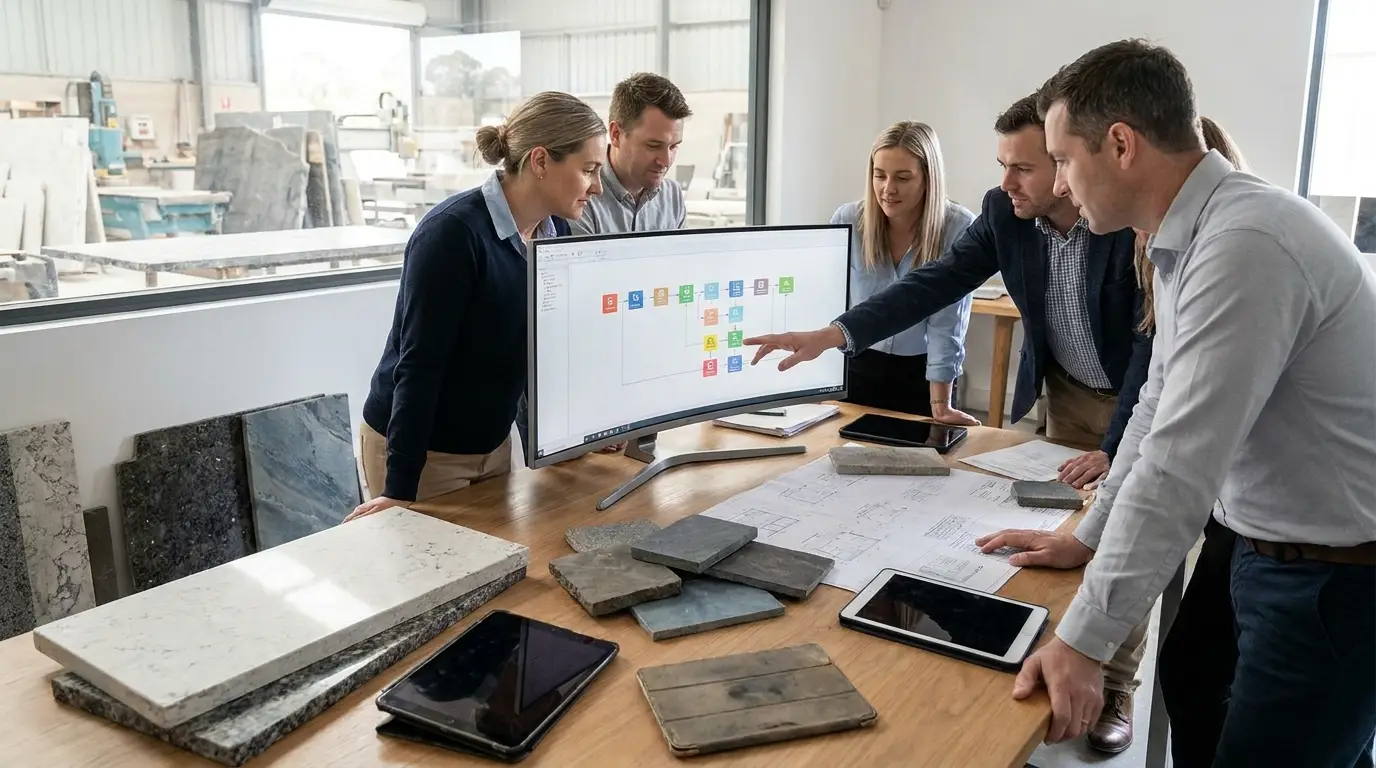
Specialist workflow platforms such as CutBench fit here. What matters is having a system built around the full lifecycle of a fabrication job, not just a generic contact database.
Templating Tools in a Fabrication CRM Need to Be Built Into the Workflow
In many stone businesses, the biggest mistakes don’t start in the workshop. They happen earlier, when teams miss key site details or when those details get lost between the template visit and the fabrication handoff.
Templating support should be high on the list of important features in a Fabrication CRM. A business needs more than a basic calendar booking. It should look for tools that help templaters capture dimensions, photos, access notes, sink and hob details, splashbacks, drainer direction, seam notes, and anything else the workshop needs to cut with confidence.
Digital forms and checklists help a lot here. They make sure every templater collects the same level of detail each time, which creates consistency. That matters even more when several people are visiting sites and the workshop is relying on clear, complete information to do the job properly.
Customer approvals should live in that same record too. Before a job moves into fabrication, the team should be able to see the approved details right away. That includes design choices such as overhangs, seam positions, and cutout placement. When approvals sit in one inbox and photos stay stuck on a phone, the CRM isn’t doing enough. Small gaps can become expensive problems.
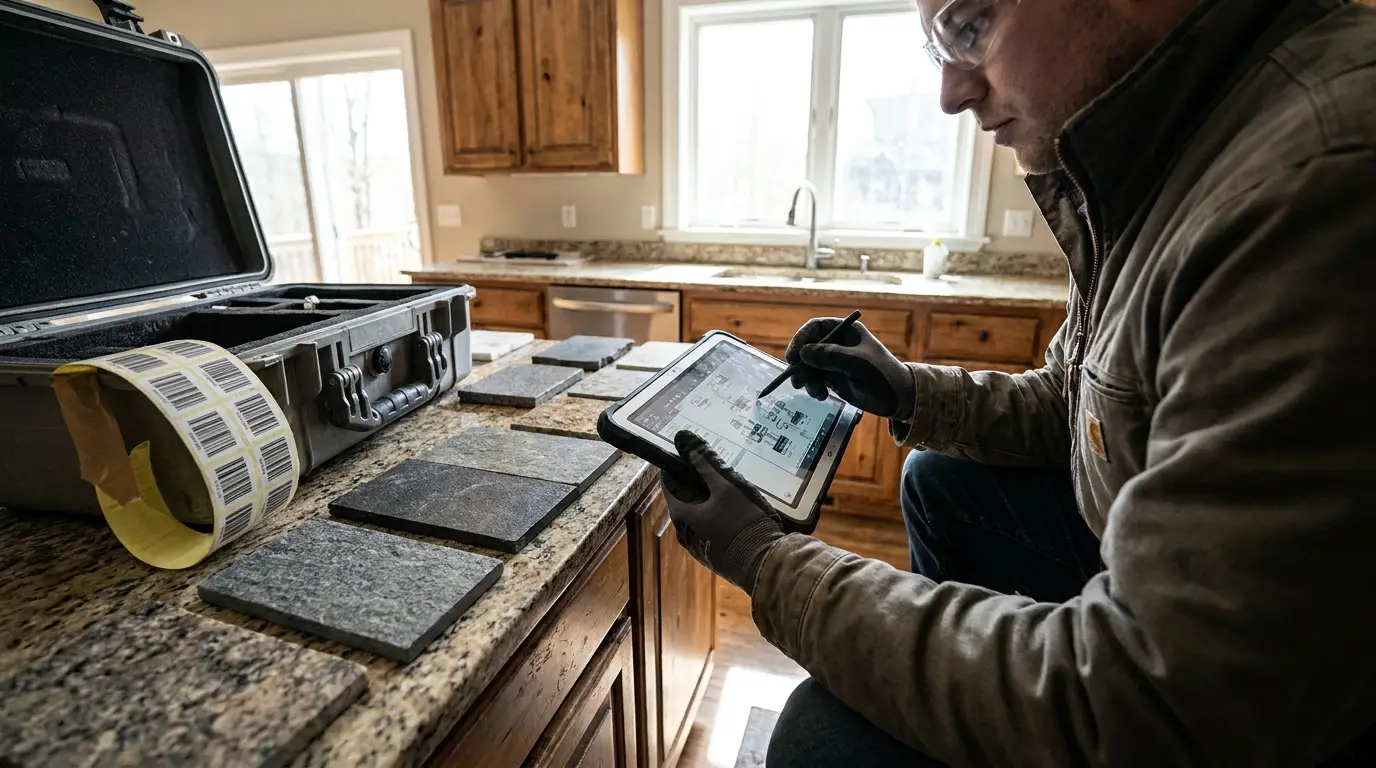
Mobile access matters as well. Site teams shouldn’t need to wait until they’re back at the office before uploading notes. Mobile workflow tools are now a normal part of daily work across manufacturing and service businesses. For fabricators, that means templaters and fitters should be able to update the live job while they’re still on site.
During a demo, ask a simple question: Can my templater complete a real site visit inside the system without using extra notes, texts, or paper? If the answer is no, keep looking.
Scheduling in a Fabrication CRM Must Handle Real Dependencies, Not Just Appointments
Lots of CRMs say they include scheduling. In real use, that often means basic appointments. Managing appointments isn’t the same as managing a fabrication workflow.
A Fabrication CRM needs to show how templating, fabrication, and installation connect. The team can’t cut before a template is approved. Simple as that. They also shouldn’t confirm an install before the job is really ready for fabrication. When one date moves, the team needs to see what else shifts with it.
Look for a shared calendar or planner that shows crews, bookings, and job stages in one place. Then the office team can spot clashes quickly. Owners can see where work is beginning to pile up. Fitters should know what’s fixed, what’s confirmed, and what’s still sitting there as provisional work.
Scheduling tools should also make rescheduling less painful. Jobs move in a real workshop. Kitchens get delayed. Customers change dates. Access problems happen. Your CRM should help the team adjust the plan without making everyone begin again from scratch.
Another key feature is role-based visibility. The office may need the full planner. Templaters may only need their site visits. Fitters need install packs, addresses, access notes, and clear details on what still needs sign-off. Sales staff need to know the promised timeline without having to call three different people just to get an answer.
One common buying mistake is picking a system because the calendar looks clean, then finding out it can’t show fabrication readiness, dependencies, or updates from the field. A tidy diary view isn’t enough. The software has to match the way a worktop job really moves through the business.
The Best Systems Keep Job Details, Photos, and Costs Together
A stone job creates a lot of information, fast. Quotes, drawings, slab photos, template notes, customer approvals, install photos, variation details and snagging records can end up scattered across email, phones, shared drives and paper packs before long.
A strong Fabrication CRM should act like one digital job file. The office, workshop and fitters all know where to find the latest version of what they need, without hunting around.
Document and image management may not sound exciting, but it helps avoid expensive confusion. A fitter can open the job on a phone and see the latest notes, photos and install details, so the office doesn’t need to resend everything. In the workshop, updated cutout details can be checked in the same place as the approved template notes. That cuts the risk of working from old information.
Linking quoting and job costing to the live workflow matters just as much. Owners need more than sales values because they also need to see revisions, extras, margin pressure and whether work is really ready to invoice. If a CRM stores contacts but doesn’t connect quotes, changes, labour, materials and final billing, too much work gets pushed into other systems.
Reporting matters here too. Dashboards help show where jobs are slowing down, and owners and operations managers should be able to review lead follow-up, accepted quotes, templates completed, installs awaiting sign-off and jobs stuck between stages. That gives them a clearer picture of daily performance and shows where attention is needed first.
For buyers comparing options, platforms like CutBench are worth a look when the goal is to keep quoting, templating, scheduling, installation and invoicing connected instead of spread across separate tools.
Automation and AI Are Helpful, but Workflow Fit Comes First
It’s easy to get pulled in by big feature lists. A lot of software tools are pushing automation and AI hard right now, and some of that really does help. Still, for most fabrication businesses, the bigger win comes from getting the basics right first.
Useful automation features include appointment reminders, task creation when a job moves to a new stage, customer updates, internal alerts, and easier document search. It’s practical stuff. It cuts admin work, saves time, and helps teams catch issues before small details slip through the cracks.
But that only goes so far if the system doesn’t fit the trade itself. A Fabrication CRM should support the real workflow of stone and worktop jobs before anything else. That includes revisions, approvals, site notes, fabrication handoff, crew scheduling, and completion status. When those core parts are weak, smart add-ons don’t solve the problem.
For small to mid-sized firms, that matters even more. Research on SME technology adoption has pointed to the same issue for a long time: smaller businesses can struggle more with advanced systems when setup feels too complicated. If a team can’t use the system easily, it won’t last.
When comparing systems, ask a blunt question: Will the system reduce side spreadsheets and phone chasing within the first few weeks? If the answer is no, the feature list may just be hiding a poor fit.
What to Check Before You Commit
Once you’ve got a shortlist, ask each provider to show the real workflow, not a generic demo. Use one real sample job, from enquiry through to install, and test the setup properly.
Check these points:
Can each role handle daily work without hassle?
Your estimator, office scheduler, templater, fitter, and owner need different views. Give everyone the same cluttered screen and adoption slows quickly.
Can the team work live from the same record?
The quote should become the job, and that job should feed scheduling. Then site updates should flow back to the office record. Final completion should support billing.
It reduces duplicate entry
If staff still need to re-enter the same details in several places, the CRM isn’t solving the real problem. It just isn’t.
It should support growth without adding chaos
As job volume rises, the system should make handoffs clearer, not heavier, so work keeps moving instead of turning messy. Specialist stone workflow software can differ here from broad contractor tools.
Choose Features That Make Real Work Easier
The best Fabrication CRM isn’t the one with the longest checklist. It’s the one that makes day-to-day work smoother, from the first enquiry right through to the final invoice.
For most stone and worktop businesses, the must-have features are pretty clear: an end-to-end job pipeline, templating tools, scheduling with dependencies, mobile access for field teams, centralised documents and photos, linked quoting and job costing, customer communication tools, role-based views, and reporting that shows where work gets stuck. That’s the core of it.
If the current setup still relies on spreadsheets, separate calendars, message threads, and paper packs, the software is likely only storing parts of the job instead of helping the team manage the full process. The right system brings those moving parts together so the office, workshop, and site teams stay in sync without chasing updates all day.
Start with the biggest bottlenecks and keep it simple. List where jobs get delayed, where details go missing, and where the team ends up doing extra admin. Then test each CRM against those real issues, not a shiny feature list. A system that handles the workflow well makes everything else easier.
A good Fabrication CRM should make the business easier to run, not give the team even more software to deal with.