

Stone Fabrication Workflow Software: How to Manage Jobs from Enquiry to Installation
Still juggling spreadsheets, WhatsApp and paper folders? Discover how stone fabrication workflow software improves job tracking and streamlines the worktop installation workflow, helping teams cut delays, reduce mistakes and invoice faster with one shared live job view.
If your team still runs jobs through spreadsheets, paper folders, whiteboards, phone calls and WhatsApp, you already know the problem. A worktop job can seem simple at first, then the changes start. The template date moves. The slab changes. The fitter turns up without the latest sink cutout note. Meanwhile, the invoice sits there because nobody marked the job as complete.
More fabricators are choosing stone fabrication workflow software instead of generic job tools. It’s not just about digitising admin. Fabricators need a way to manage the full chain, from first enquiry to final installation, with clear handoffs, live job tracking and one shared view of every job.
For small to mid-sized UK granite, quartz, marble and kitchen worktop businesses, the pressure is even higher. These jobs rely on close coordination between sales, office staff, templaters, workshop teams and fitters. This guide explains what a solid worktop installation workflow looks like, where firms lose time and profit, what software needs to cover at each stage and how firms can move away from disconnected systems without creating chaos.
Why workflow control matters more than ever
Many stone businesses are not slow because the team does not work hard. They are slow because information gets stuck between people. One person has the quote. Another has the template photo. Someone else has the slab note. The fitter has yesterday’s version of the plan.
This is not just a small-business problem. It is part of a wider shift in UK operations. According to the UK Government, 69% of SME employers used technologies or web-based software to sell to customers or manage the business in 2024, while 58% of construction SME employers did the same. That gap shows two things. First, construction is still catching up. Second, firms that improve their systems now can gain an edge.
| Metric | Value | Year |
|---|---|---|
| UK SME employers using tech or web software | 69% | 2024 |
| Construction SME employers using tech or web software | 58% | 2024 |
| UK SMEs using software for managing the business | 65% | 2024 |
The table shows why workflow software is becoming less of a luxury and more of a normal business tool. The issue is not whether to digitise. It is whether your system actually matches stone fabrication.
In 2024, 69% of all SME employers used technologies or web-based software to sell to customers or to manage the business.
A stone-specific setup should cover far more than a diary and a quote tool. It should support enquiry capture, quote revisions, template booking, job tracking, fabrication handoff, install scheduling, snagging, and invoicing. That is where specialist platforms such as CutBench fit better than generic field service systems for many worktop firms.

Mapping the full journey from enquiry to signed-off install
A strong worktop installation workflow starts before anyone visits site. It begins when the enquiry comes in. If you collect poor information at the start, the problems multiply later.
Stage 1: Enquiry and quote
Here, your software should capture customer details, the property address, product interest, edge profile, sinks, upstands, target dates, and quote revisions. Many firms lose margin because old quote versions sit in inboxes for too long, and nobody really knows which one the customer approved.
Stage 2: Template or site measure
Once the job is sold, the office needs to book the template visit and add the right notes. Before heading out, templaters need drawings, appliance details and any special risks.
At this stage, mobile access matters because the field team should upload measurements, photos and notes straight to the job record instead of sending everything back as separate bits. It keeps everything in one place.
Stage 3: Fabrication handoff
This is where generic software often falls short. Workshop teams need clear status changes, not vague comments buried in emails. They need to know the approved material, final dimensions, cutout details, production priority, and install date.
Stage 4: Installation and completion
Fitters need the latest plan, not a half-remembered brief. Job tracking should include site readiness checks, access notes, customer contact details and snagging items. Nothing should be missed. Once the work is done, the office can trigger invoicing quickly.
A smooth handoff depends on every step linking up. If they don’t, the common problems show up fast: missed details, wasted trips, delayed installs and slow cash collection. It all adds up.
Where stone firms lose time, margin, and control
The biggest workflow problems tend to start at handoffs, not fabrication skill. A team can do great work in the shop and still lose money when the wider process around the job gets messy. That’s the trap.
Research in construction SMEs found 30-40% faster order processing after digital adoption and 15-25% reductions in material waste through better visibility, coordination and inventory control. These are broad construction figures, not stone-specific ones. Even so, they match what many worktop firms see after they replace fragmented admin with one connected system.
| Operational area | Improvement after digital adoption | Why it matters for stone firms |
|---|---|---|
| Order processing | 30-40% faster | Less waiting between sales, templating, fabrication, and install |
| Material waste | 15-25% lower | Better slab visibility and fewer costly mistakes |
| Progress monitoring use in construction | 41% | Shows many firms still lack strong workflow visibility |
Common weak points in a stone business include:
Poor status visibility
If your team can’t answer ‘Where is this job right now?’ in seconds, job tracking is broken. Office staff keep chasing updates, sales chases production, and customers chase everyone.
Duplicate data entry
Teams type details into the quote, then a spreadsheet, then a worksheet, then accounts. Over and over. Each repeated entry adds delays and raises risk.
Lost approvals and revisions
A customer changes the sink position, one person notes it on paper and another misses it completely. Then come remakes, awkward site fixes, or delays during installation.
Slow post-install admin
Teams fit the jobs, but they do not mark them complete with photos or signatures. Then the invoice simply sits there. For no clear reason, cash flow slows down.
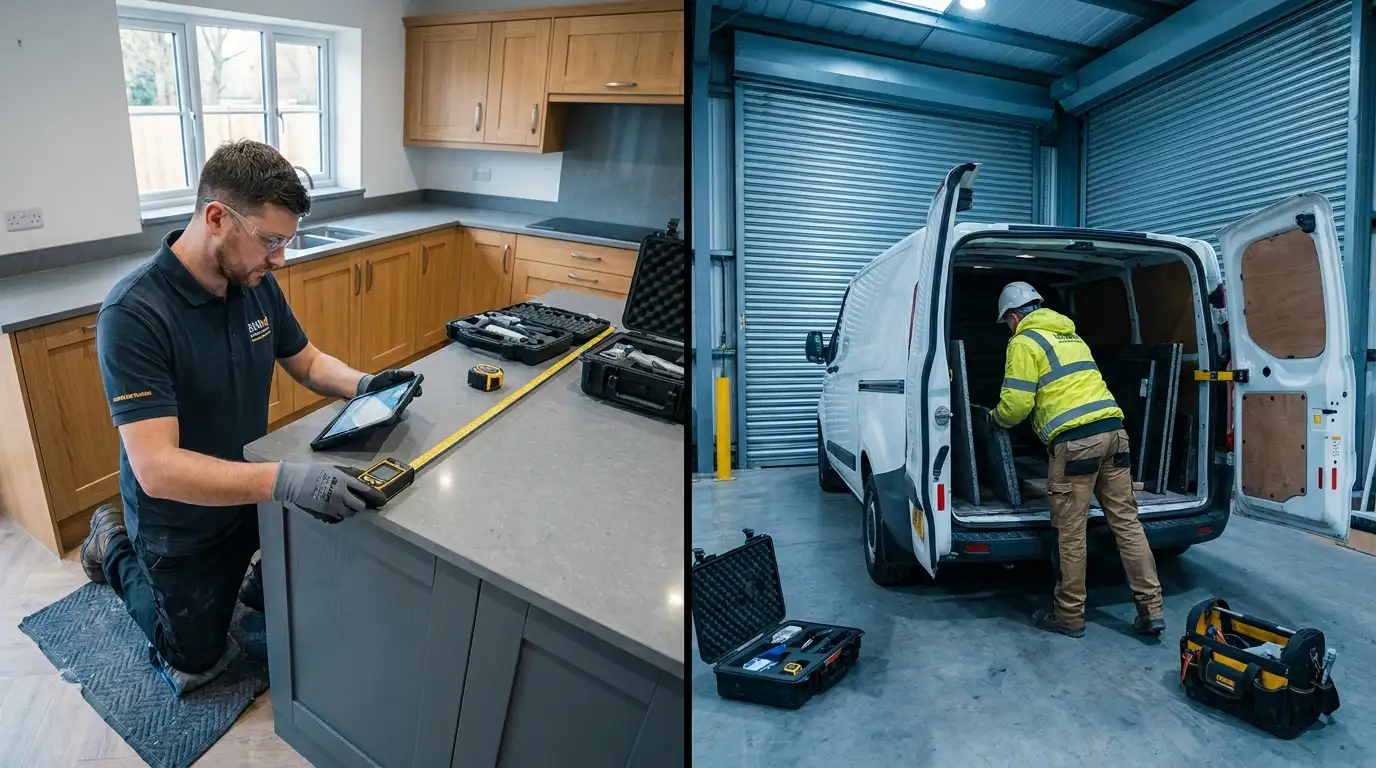
UK firms also face another issue. HSE guidance makes poor planning more expensive, and inaccurate measurements or unresolved details can force avoidable work on site. That wastes time. It also adds safety and compliance risk.
dry cutting of engineered stone is unacceptable
Strong pre-install workflow control matters more than many firms think.
Building a safer and smarter worktop installation workflow
The best worktop installation workflow cuts down surprises before the fitter leaves the yard. Software should help the team confirm decisions early, then share them clearly so everyone knows what’s agreed before the job reaches site.
According to HSE guidance for stone worktop installation, firms should avoid unnecessary on-site fabrication and poor measurements that force changes once they arrive. Dust matters too. Teams need proper dust controls where work can’t be avoided, and software helps turn those good intentions into repeatable steps that make work on site easier to manage.
What your process should include
- A required pre-template checklist
- A required approval stage before fabrication
- Clear slab and material allocation
- Install booking after fabrication readiness is confirmed
- Site notes, access details, and risk flags for fitters
- Completion photos, snagging notes, and sign-off
That setup helps everyone. Sales knows what was sold, templaters know what to collect, workshop teams know what was approved, and fitters know exactly what they’re walking into next. It’s simple, but it matters.
Various on and off-site software and mobile applications are available on the market for project management in construction. These can help to plan activities and resources, assign tasks and responsibilities and provide dashboards and job overviews.
That quote fits stone fabrication well. A dashboard matters because it gives the office one clear place to check every live job, every next step, and every blocker. A single place. It makes it much easier to keep things moving without any confusion.
What to look for when choosing stone fabrication workflow software
Not every system fits the same job. A plumber may get by with simple dispatch software, but a worktop business usually can’t, because it needs detail, approvals, handoffs, and clear traceability.
Start here. Look for these features:
Role-based views
Sales, office staff, templaters, workshop teams and fitters shouldn’t all see the same screen. Different jobs mean each role needs the right details quickly.
Mobile field updates
If templaters and fitters can’t update a job from site, the office turns into the bottleneck. Simple as that. Mobile forms, photos, signatures, and status updates are basic needs now.
Scheduling with dependencies
Template dates affect fabrication, and fabrication affects installation, so the system should show that full chain clearly enough for the calendar to match your process, not as separate steps.
Stock and purchasing links
A quote isn’t really ready if the slab hasn’t been allocated or ordered. Stock and workflow need to stay in sync.
Fast invoicing and reporting
Once the install is signed off, invoicing should move quickly. Reporting should show open quotes, jobs in progress, delayed installs, and cash still waiting.
One more tip: do not buy based on feature lists alone. Ask how the system handles a real kitchen worktop job from first call to final payment.
How to move from spreadsheets without upsetting the team
The best software rollout is a simple one. Don’t try to rebuild the whole company in a week. Start with the workflow already in use, then tidy it up.
First, list the real stages in each job. For example: enquiry, quoted, won, templating booked, template complete, approved, in fabrication, ready to install, installed, invoiced and paid. Then work out what the team needs to capture at each stage. Keep it practical.
Next, pick one or two big pain points to fix first. For many firms, that means job tracking and scheduling. For others, the trouble shows up in the handoff from templating to fabrication or in getting invoices out more quickly after installation is finished.
The first stage asks you to identify the scope for change and the related costs and benefits to be able to make proper decisions and prioritise what needs to be done first.
Keep the first phase practical. If needed, train the office team first. Then bring in templaters and fitters with mobile updates. Once the core workflow feels steady, add automation, deeper stock control or finance integration.
Put the whole job on one track
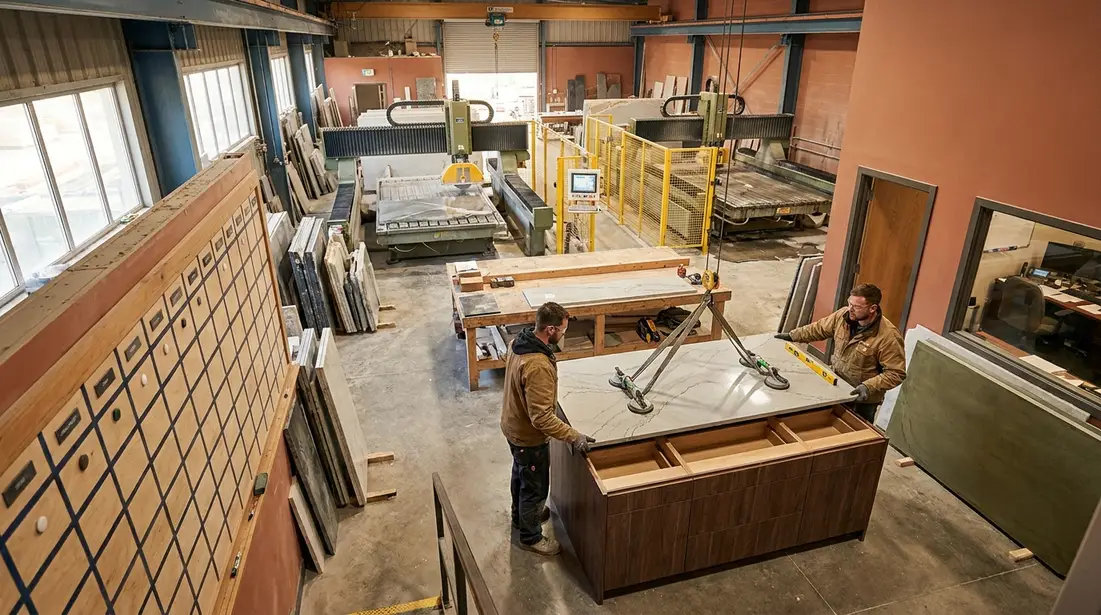
Stone fabrication workflow software works best when every team works from one shared source of truth. That’s the real benefit. Fewer spreadsheets help, and cleaner admin helps too. But what matters more is better job tracking, smoother handovers, better timing, fewer surprises on site and quicker invoicing.
For a small or mid-sized UK stone business, patched-together systems can start to feel normal. Just how things are. Research shows construction still adopts digital tools unevenly, but the direction is clear. More firms are moving to connected workflows because the old way makes growth harder.
Start simple. Map your current process from enquiry through to installation, then mark where jobs get stuck, where information goes missing and where avoidable site work keeps coming up. Then choose software that fits how a real worktop business actually works.
Once the office, templaters, workshop and fitters are all working from the same live job record, the day feels calmer. Customers get clearer updates. Teams make fewer mistakes. As more jobs start moving at once, the business becomes easier to manage as it grows.