

How to Improve Job Tracking for Stone Fabricators Without Adding More Admin
See how smarter job tracking helps stone fabricators cut admin, stop missed updates, and keep every job moving from quote to install. This guide shows why generic tools fall short and what operations software needs to give your team one clear live view.
If you run a worktop business, you already know the problem. Job tracking can end up spread across too many places at once. One update sits in a spreadsheet. Another gets written in a diary. Templating notes stay on a phone, while fitter updates come through by message. Then someone in the office has to chase everything down, copy it across, and type it all in again.
That’s how admin builds up, even when the job itself isn’t moving any faster.
Job tracking should make work easier for owners, office teams, templaters, fitters and sales staff. Everyone needs one clear view of what’s happening, what’s booked, what’s waiting and what needs doing next. For stone fabricators, the right systems also need to match the real workflow: quoting, templating, slab allocation, fabrication, installation and invoicing.
This guide explains how to improve job tracking without adding more admin. It also covers why generic tools can miss the mark, what good operations software needs to manage and how small to mid-sized stone fabricators can make the switch in a simple, practical way.
The real problem with job tracking in stone shops
A lot of stone fabricators think they have a tracking problem. But in most cases, the real issue shows up in the handoff. Every time job details move from one person or one system to the next, something gets lost, delayed, or entered again.
That becomes serious fast. Stone jobs carry a lot of detail, and the wrong edge profile, a missed sink cutout, an unconfirmed slab, or an old install date can create stress in a hurry. When a team is using paper, spreadsheets, shared calendars, inboxes, and chat threads all at once, the business isn’t really working from one system. It’s patching one together day by day.
Construction and trade software and apps give you a central source to manage project scope, expenses, employee hiring and time tracking, resourcing and accounting.
The broader market helps explain that too. More firms are moving this way because software adoption keeps rising in industries with mobile teams and schedules that change constantly.
| Market | Value | Outlook |
|---|---|---|
| Construction management software | USD 11.72 billion | 2025 |
| Field service management software | USD 5.10 billion | Growing to USD 9.17 billion by 2030 |
| UK small-business FSM pricing | From £7.50 per user per month | Entry-level starting point |
For stone fabricators, the shift makes sense. Teams need live job status, shared dates, cost visibility, and updates from the field. A system that still depends on extra retyping is not fixing the real problem.

What better job tracking actually looks like
Good job tracking isn’t about piling on more forms. It means having one shared job record, the place where the work really happens.
Every job needs one home. The quote, customer details, site notes, template date, slab choice, fabrication status, install booking, snag notes, photos and invoice status should all live together, so when someone updates the job, everyone sees the latest version right away.
For stone fabricators, that matters even more. Their workflow isn’t generic. They aren’t booking engineers to service equipment; they’re moving jobs through sales, template, programming, workshop, install and accounts. Sometimes there are extra steps too. Slab and remnant control, cutout details, splashback notes and proof of completion may all need to be part of it.
It replaces the mix of spreadsheets, paper forms, and disconnected tools that most contractors rely on as their business grows.
A better setup includes these stages:
One status for each stage
Each job should clearly show if it’s quoted or approved, templated or waiting for material, ready for fabrication, booked for install, complete or invoiced. Simple to check at a glance.
Mobile updates from the field
Templaters and fitters should update the job once, right on site. No delays. Photos, notes, measurements, signatures, and completion updates shouldn’t have to wait until someone gets back to the office.
Linked scheduling
Keep template dates, fabrication planning, and install slots connected. When one shifts, the office should not have to update three separate tools by hand. That saves real time.
Here, specialist operations software is far more useful than a generic CRM or a basic field service app.
How to reduce admin by capturing updates at the point of work
If your office team spends half the day chasing updates, the issue isn’t effort. It’s timing. Admin piles up when information is recorded too late, in the wrong place, or by the wrong person.
The simplest fix is clear: the person doing the work should update the job as part of the job.
For example, when a templater finishes a site visit, they should mark the job complete, upload photos, add notes, and confirm any changes there and then. Fitters should do the same. Once an install is done, they should record signoff, snag items, or any extra notes on the job record straight away.
Mobile job updates are now a normal part of field operations. In real-world usage reported by UK infrastructure businesses, 7 million images uploaded, 9 million signatures recorded, 2 million events scheduled and 8 million forms submitted have all gone through field management software. That says a lot. Teams don’t need to rely on memory or report everything afterwards.
For stone fabricators, that full view shouldn’t stop at site visits. It should also cover measure, material, workshop prep, and install completion.
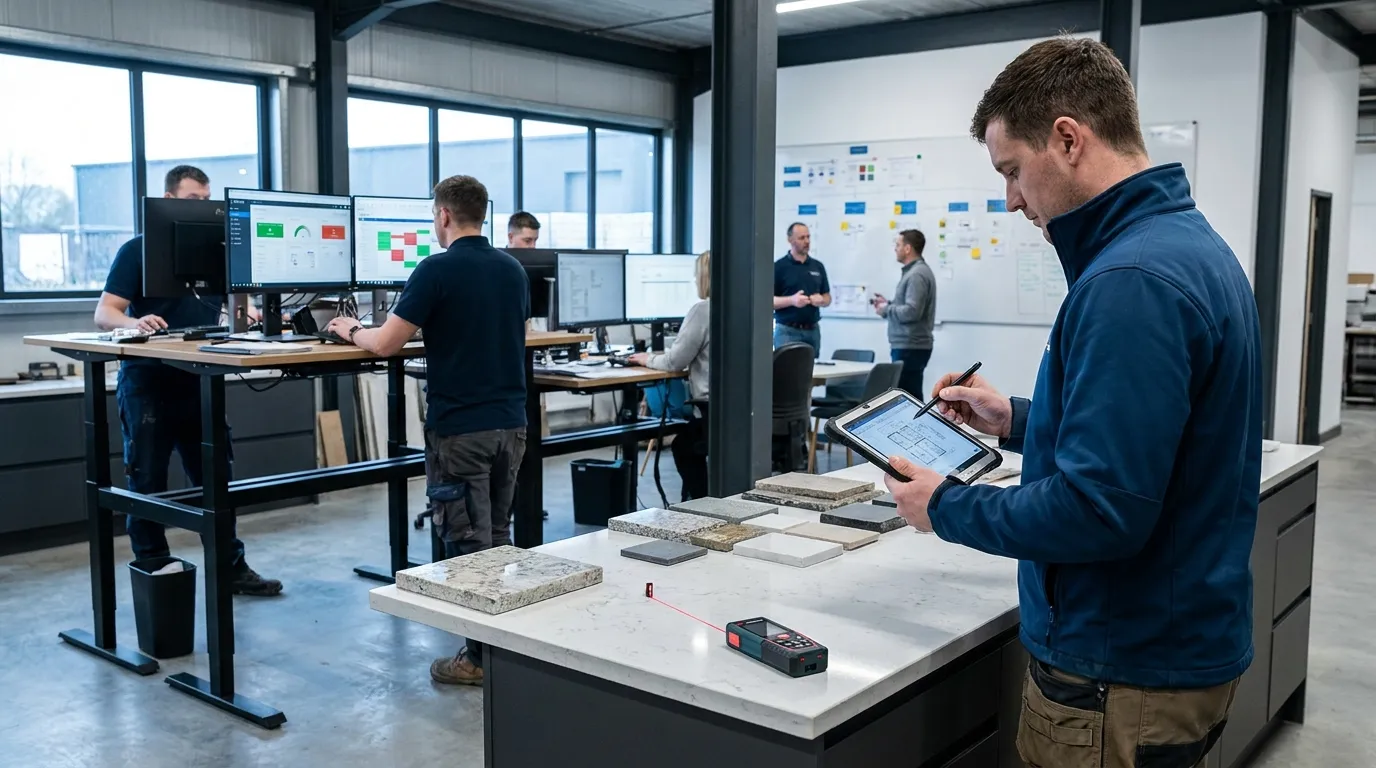
Why generic software can create new gaps for stone fabricators
A lot of businesses start job tracking with general project tools, cloud spreadsheets or software built for broad trade use. Early on, that can help. But stone fabrication is different, and the workflow has needs that many generic systems still miss.
Some of those systems can track a project but still miss the job details a fabricator needs every day. They may show appointments, yet leave out slab allocation, store notes but not support the handoff from templating to fabrication. They can even help with dispatch and still give no clear view of whether a remnant is assigned or whether the workshop is stuck waiting on one last detail before cutting.
That’s a real problem. Industry research across construction and field service work shows teams lose time when information gets scattered across calls, emails, inboxes, devices and verbal updates. Field operations specialists say much the same: good job tracking depends on one live view of status, activity, costs and margin risk while the work is still moving. Once the invoice goes out, the chance to fix the issue is already smaller.
For a fabricator, the risk climbs fast. One small miss can turn into a remake, a wasted slab, a delayed install or an awkward customer call. Costly problems.
Purpose-built tools matter. A platform like CutBench belongs in this conversation because it’s built around the real workflow of stone and worktop businesses, not a generic service model. The goal isn’t more admin screens. It’s fewer disconnected steps, with day-to-day work easier to follow and much harder to lose track of.
The features that save admin instead of adding it
When you’re reviewing operations software, skip the long wish list. Start with the places where your team keeps doing the same work over and over.
That’s often where you’ll save the most time.
Shared pipeline and status view
Everyone can see each job’s status. No need to ask around the office.
Templating and install scheduling
Dates stay visible, so planning around capacity is easier. Simple.
Job documents in one place
Quotes, measurements, photos, drawings, and notes all stay together with the job.
Stock and purchasing visibility
See what’s in stock, what’s on order, and what’s already assigned to a job.
Faster invoicing
When completion updates are already in the system, the accounts team can send invoices sooner. Simple as that.
Faster invoicing can also affect buying decisions, because entry-level field service software can start from £7.50 per user per month, while broader field service pricing ranges from £10 to £300 per user per month. For many smaller firms, better job tracking can cost far less than hiring another admin. That can make a big difference. Larger ERP-style systems, though, can cost much more in year one, so many growing fabricators look for software that stays focused, feels practical and is easier to use.
A simple way to improve job tracking in your business
You don’t need a full digital overhaul in one week. That can make things harder. It’s better to fix the most painful handoffs first.
Start by looking at a few key points:
- Where do updates get missed most?
- Who spends the most time chasing job status?
- Which details get entered more than once?
- Where do jobs slow down between sale, template, fabrication and install?
- Which mistakes waste the most time or money?
Then make a simple rollout plan.
Use one shared job record for all live work. Keep it simple. Agree on clear status stages, make mobile updates part of site work for templaters and fitters, and connect scheduling so template, workshop and install dates stay visible together. Tie invoicing and cost tracking into the same flow.
What works best is a system your team actually uses every day because it makes the job easier. More features aren’t the answer. If nobody wants to use the system, those extra tools won’t help.
Put better tracking into practice
If the current process needs a spreadsheet, a paper pack, a calendar and a message thread just to track one kitchen worktop job, the issue is the system, not the people. Better job tracking should reduce duplicate admin, not pile more on top.
For stone fabricators, the biggest gains tend to come from one shared record, live status updates, mobile field capture, linked scheduling and clear job-level visibility from quote to final fit. When teams work that way, owners have more control, office teams spend less time chasing, templaters hand over cleaner information, fitters arrive with the right details and invoices go out sooner.
Good operations software should support that. It should help the business run in one connected flow instead of leaving the team to pull everything together by hand.
If the business is planning its next step, keep it simple. Start with the bottlenecks that cause the most stress, then sort those out first. Once job tracking becomes part of the workflow, admin drops on its own. The whole team works with more confidence.